12
7. Alarms Screen
When an alarm condition exists, the information is sent from the engine
and/or transmission, the information will be displayed via alarm icons,
LEDs, and internal alarm buzzer (and external if connected).
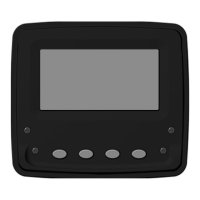
To acknowledge the alarm press Key 4 to acess alarm screen and then
Key 3 to silence the alarm. Pressing Key 4 again will exit alarm screen.
The alarm icons and LEDs will continue to flash until the alarm condition
is resolved and alarm clear command is received from the engine and/or
transmission.
Check Engine - Alarm will sound along with Orange LEDs.
Stop Engine - Alarm will sound along with Red LEDs.


 To Next Page