13
8. Main Menu
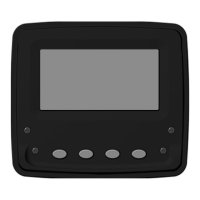
To access the Main Menu of the VeeCAN 128 display, press and hold
Key 4 when at the home screen. Once in the menu use Key 1 and 2 to
navigate selections, Key 3 to enter selection, and Key 4 to go back.
Lighting Contract - Used to control the LCD backlight, contrast, and
button backlight.
™
Tier 4 Control - At this screen the user can change Tier 4 modes.
NOTE: Please refer to engine manual for further information regarding
actions required for Tier 4 engines.
Settings - Language and Key Tone options can be found here.
Protected Settings - To access Protected Settings use PIN 1234.
In the Protected Settings, the user can change the units, access
Demo Mode, J1939 settings, Service Hours, IO Setup, Restore
Defaults, select Max Quad, Dual, and Single screens.
Diagnostics - Used to access Data Viewer and CAN Diagnostics.
About - Displays software information.


 To Next Page