EasyManua.ls Logo

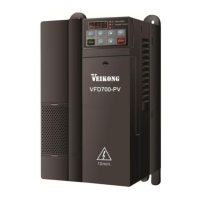
Veikong VFD700-PV-40T00075 - User Manual

Veikong VFD700-PV-40T00075
70 pages
Print Icon
To Next Page IconTo Next Page
Loading...
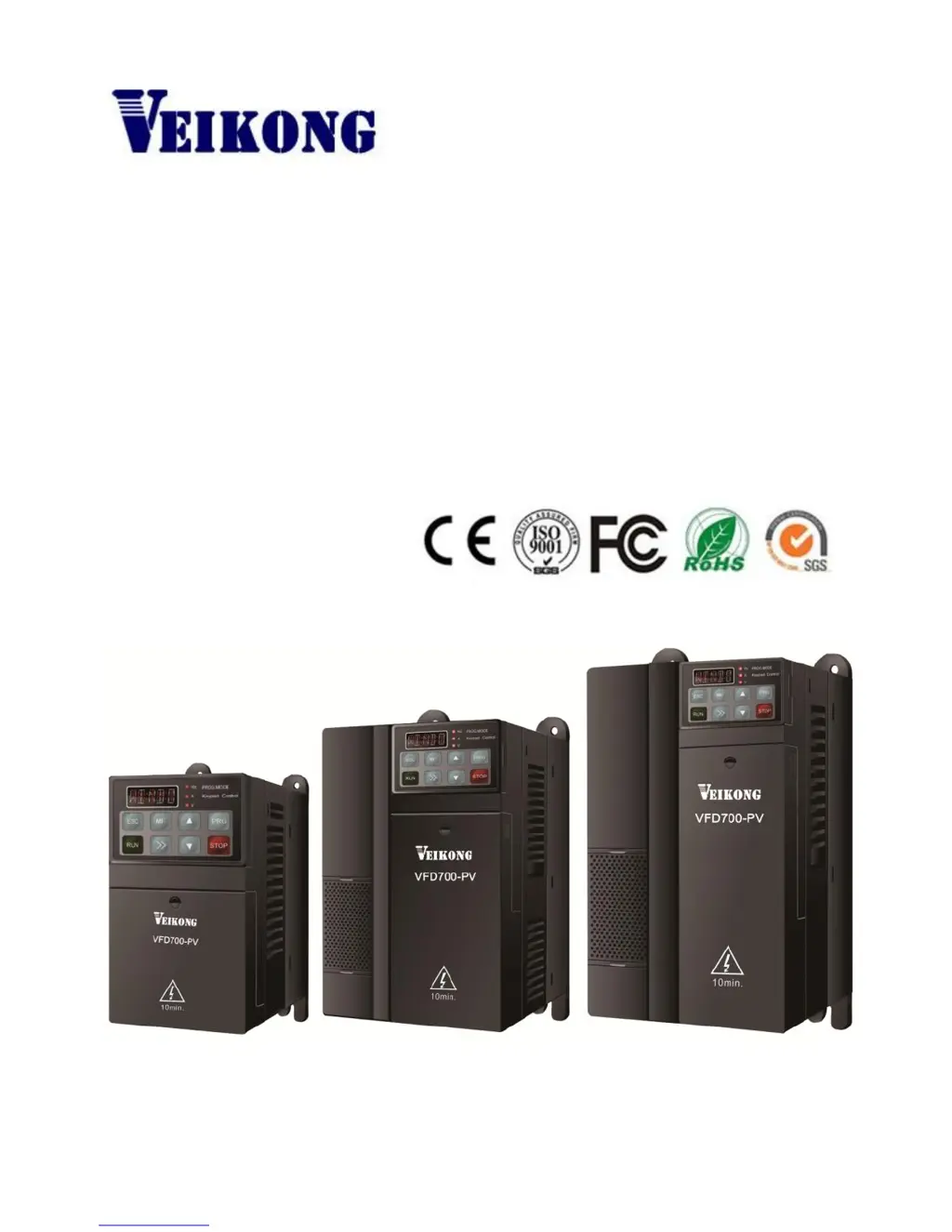
Operation manual
VFD700-PV Series
High Performance Universal Inverter
www.veikong-electric.com

Questions and Answers

  • K
    Kayla JosephSep 23, 2025
    What to do if MCU receives wrong data from DSP on Veikong Inverter?
    • B
      bwilliamsSep 23, 2025
      If your Veikong Inverter's MCU receives wrong data from DSP, ensure proper cable layout to avoid external disturbance. If the issue persists, it may indicate an internal fault, and you should contact service.
  • N
    Natalie TranAug 25, 2025
    What to do if Veikong VFD700-PV-40T00075 shows over voltage?
    • T
      tyronesmithAug 25, 2025
      If your Veikong Inverter is showing an over voltage error, it could be due to several reasons. First, ensure that the supply voltage is within the specified range. A sudden load change can also cause this issue, so avoid making abrupt changes to the load. If the deceleration rate is too short, increase it and consider adding a suitable brake resistor. If these steps don't resolve the problem, it may indicate an internal fault, and you should contact service.
  • J
    Jesse PorterAug 25, 2025
    Why is Veikong VFD700-PV-40T00075 showing under voltage?
    • A
      audreygardnerAug 26, 2025
      If your Veikong Inverter is showing an under voltage error, begin by checking the power supply to ensure it is adequate. If the error occurs during drive power off, this is normal and won't be logged in the trip tracking. If the problem persists and isn't related to power off, there may be an internal fault, and you should contact service.
  • B
    Bryan LeAug 27, 2025
    How to fix motor overload on Veikong VFD700-PV-40T00075?
    • G
      Gregory McdonaldAug 27, 2025
      If your Veikong Inverter indicates a motor overload, there are a few things to investigate. First, ensure that the V/F settings are correctly configured. Also, check the power supply and cabling to make sure the supply voltage is adequate. If the motor axis is stocked or the load changing is too big, check the load. Finally, verify that the motor overload protection factor (P12.12) is correctly set.
  • V
    Valerie NolanSep 23, 2025
    Why is there over current during power up of Veikong VFD700-PV-40T00075 Inverter?
    • K
      Karen JacksonSep 23, 2025
      If your Veikong Inverter experiences over current during power up, check the output cabling and motor for earth faults. If no faults are found, contact service.
  • K
    Kevin KennedySep 13, 2025
    What causes user 24V overload on Veikong VFD700-PV-40T00075?
    • M
      Michael RoachSep 13, 2025
      If your Veikong Inverter is showing a User 24V overload error, check if there is a shortage on the output of DO and 24V, as the output current of 24V and DO1 may be over 100mA.
  • K
    kathy76Sep 12, 2025
    How to troubleshoot control fan fault on Veikong VFD700-PV-40T00075?
    • A
      alec82Sep 12, 2025
      If your Veikong Inverter (30kW and above) is reporting a control fan fault, check the fan blades for any rotation issues. Also, check the fan wiring to ensure it is correctly connected. If problems persist, contact service.
  • K
    Kevin PowellSep 12, 2025
    What to do if AI1 input is loosing on Veikong VFD700-PV-40T00075 Inverter?
    • M
      Maria VelezSep 12, 2025
      If your Veikong Inverter indicates that the AI1 input is loosing, check the AI1 input to ensure the input current is not smaller than 3mA.
  • T
    Tamara NicholsSep 4, 2025
    How to fix auto-tune wrong error on Veikong VFD700-PV-40T00075 Inverter?
    • S
      Stacy MillerSep 4, 2025
      If the auto-tune process fails on your Veikong Inverter, it could be due to a few reasons. The drive size may not match the motor power size, in which case you should change the drive. Ensure that you have correctly set the motor data according to the motor nameplate. Also, make sure you allow the auto-tune process to finish completely without stopping the drive.
  • Q
    qhallSep 2, 2025
    How to solve input phase loss on Veikong Inverter?
    • S
      sethwrightSep 2, 2025
      If your Veikong Inverter is reporting an input phase loss, check the power supply and cabling to ensure that all phases are correctly connected and functioning.

Summary

Technical Specifications

Model Identification

Details how to interpret the VFD700-PV model naming convention for identification.

Rating Label Information

Displays the product's key rating information, certifications, and manufacturer details.

Power Rating Details

Lists power ratings, input/output currents, and applicable water pump sizes for various drive models.

Electrical Specifications Overview

Details electrical characteristics including DC voltage, MPPT ranges, input/output voltage, and efficiency.

Safety Guidelines

General Safety Precautions and Warnings

Essential safety guidelines covering electrical hazards, installation, and handling precautions for safe operation.

Installation and Cabling Guide

Drive Dimensions and Mounting Diagrams

Provides physical dimensions, mounting diagrams, and component identification of the drive.

Mechanical Installation Procedures

Step-by-step instructions for physically mounting the drive unit securely.

Terminal Cover and Keypad Handling

Procedures for fitting and removing the drive's terminal cover and keypad.

Electrical Installation and Power Terminals

Details electrical connection procedures and power terminal layouts for different drive sizes.

Power Connection Diagrams

Illustrates typical power connection diagrams and provides essential notes for wiring.

Typical Cabling Configuration

Shows a comprehensive wiring diagram for the drive and its associated control and communication connections.

Control Terminal Specifications

Details the specifications for all control terminals and communication ports, including digital and analog inputs/outputs.

Digital Input Terminal Functions

Explains the basic functions of the 7 programmable digital input terminals for control signals.

Operation and Display Interface

Keypad and Display Overview

Describes the drive's keypad, its 5-digit LED display, and unit indicator lights.

Keypad Operation and Navigation

Details the function of each key and guides users on operating the drive via the keypad interface.

Parameter View and Editing

Explains how to view and edit drive parameters through the keypad interface, including levels and flows.

Keypad Lock and User Code Security

Details the keypad locking mechanism and the user code security feature for parameter access.

Drive Control and Status Indicators

Explains how to control the drive and defines its various operational states like Ready, Running, and Trip.

Available Control Modes

Describes the three available control modes: Keypad, Terminal, and Serial communications.

Parameter Reference Guide

Parameter Properties and Definitions

Explains the attributes of parameters like code, name, range, default value, and changeability.

Parameter List (Menu P00)

Lists parameters for Menu P00, including their codes, names, ranges, and defaults.

Solar Water Pump Specific Parameters

Lists parameters specifically for solar water pump applications, covering water level and unload detection.

Trouble Shooting Guide

Faults and Corrective Actions

Lists common drive faults, their possible reasons, and recommended corrective actions.

Alarm Codes and Treatments

Details alarm codes, their descriptions, possible causes, and recommended treatments.

Other Operational Issues

Addresses common operational issues not classified as trips or alarms, with checks and treatments.

Appendix

Comprehensive Parameter List

Comprehensive list of drive parameters organized by menu groups and special parameters.

Solar Water Pump Specific Parameters

Parameters specifically designed for solar water pump applications, covering various control settings.

Drive Repair Card Information

Form for recording drive repair history, fault information, and user/service engineer details.

Service Agreement Terms

Terms and conditions for product warranty, free-service period, and technical support contact.

Veikong VFD700-PV-40T00075 Specifications

General IconGeneral
ModelVFD700-PV-40T00075
CategoryInverter
Rated Power7.5 kW
Control ModeV/F control, Sensorless vector control
Weight4.5 kg
Protection LevelIP20
Cooling MethodForced air cooling
Communication InterfaceRS485
Operating Temperature-10°C to +50°C
Storage Temperature-20°C to +60°C
Humidity5% to 95% RH, non-condensing
AltitudeUp to 1000m without derating

Related product manuals