Before measuring current, check the meter's fuse and turn off power to the circuit before connecting the meter to
the circuit.
In TV repair work or when carrying out measurements on power switching circuits, remember that high-amplitude
voltage pulses at the test points can damage the multimeter. Use of a TV filter will attenuate any such pulses.
Use the 9V battery, properly installed in the meter's battery case, to power the meter.
Replace the battery as soon as the battery indicator ( ) appears. With a low battery, the meter might produce
false readings that can lead to electric shock and personal injury.
Do not measure voltages above 600V in Category III or 1,000V in Category II installations.
The REL symbol is displayed in REL mode. Caution must be used due to the presence of hazardous voltage.
Do not operate the meter with the case (or part of the case) removed.
3. Description
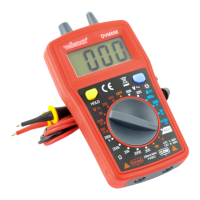
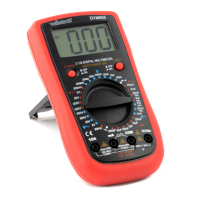
a. Multimeter
1. LCD display
2. keypad
3. rotary switch
4. terminals
5. battery cover
b. LCD Display
Warning: To avoid false readings, which could lead to possible electric shocks or personal
injury, replace the battery as soon as the battery indicator appears.



 To Next Page