EasyManua.ls Logo

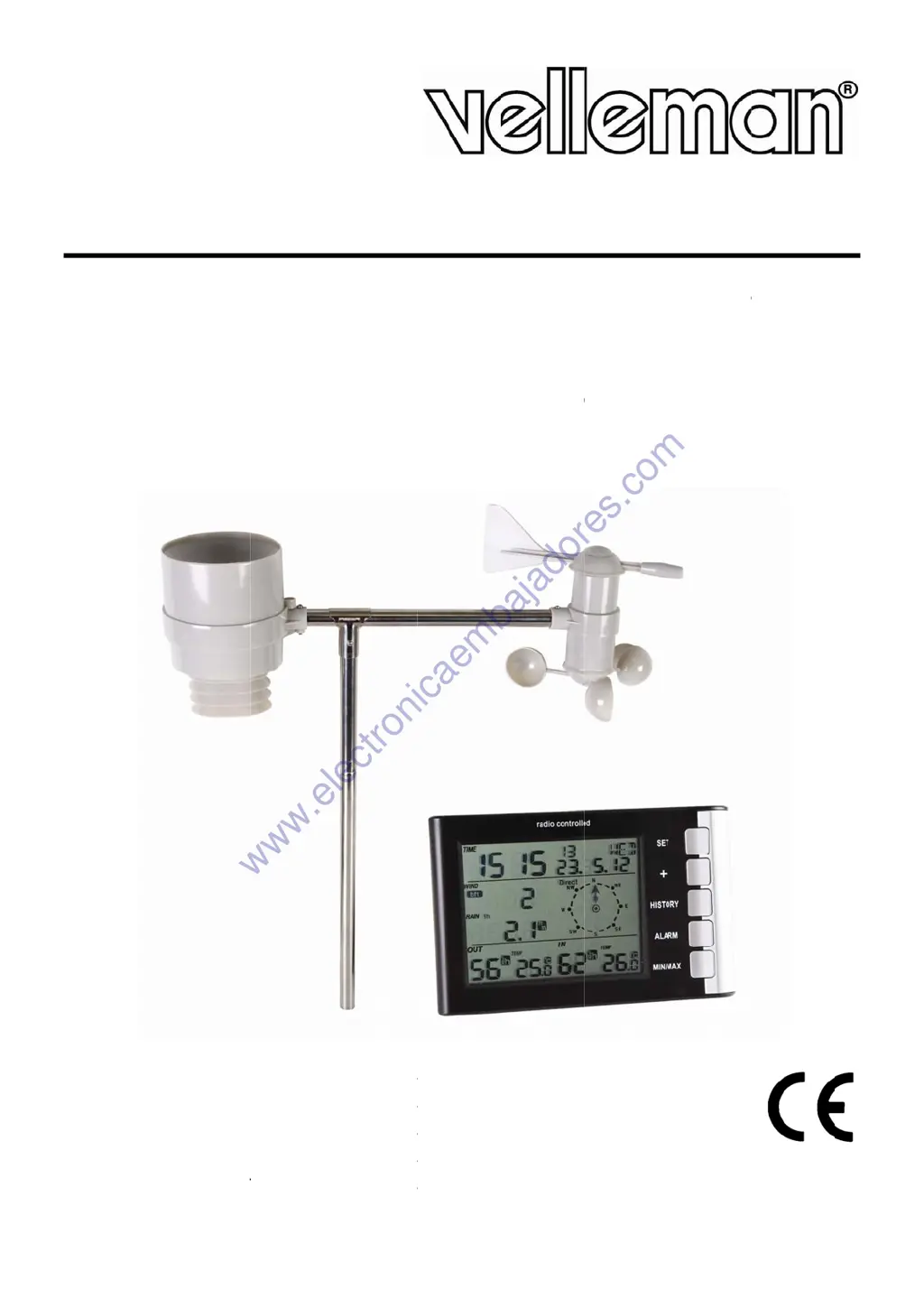
Velleman ED31502 - User Manual

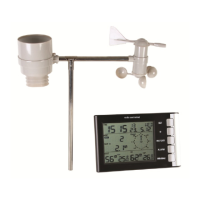
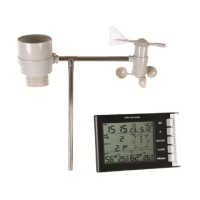
Velleman ED31502
57 pages
Print Icon
To Next Page IconTo Next Page
Loading...
W
W
D
S
T
E
X
E
S
S
E
D
U
S
G
E
N
O
M
A
B
E
WS10
W
IRELE
S
RAADL
O
T
ATION
X
TERN
E
S
TACI
Ó
E
NSOR
RAHTL
O
S
ER MAN
E
BRUIKE
R
O
TICE D’
E
A
NUAL D
E
DIENUN
60 (ED31502)
S
S WEA
T
O
OS WE
M
É
T
ÉO
E
N METE
EXTERI
O
SE WE
T
UA
L
R
SHAND
L
E
MPLOI
EL USUA
R
GSANLEI
T
T
HER S
T
ERSTA
T
O
SANS
F
OROL
ÓG
OR
T
TERST
A
L
EIDING
R
IO
T
UNG
T
ATION
T
ION M
E
F
IL AV
E
G
ICA I
N
A
TION
M
4
1
4
2
4
3
4
4
4
,
DCF C
L
E
T DCF-
E
C HOR
L
N
AL
Á
M
B
M
IT DC
F
4
4
4
4
4
L
OCK,
O
KLOK E
L
OGE D
C
B
RICA C
O
F
-UHR
U
O
UTDO
O
N BUIT
E
C
F ET C
A
O
N REL
U
ND AU
O
R SEN
S
E
NSEN
S
A
PTEU
R
OJ DCF
ßENSE
N
S
OR
S
OR
R
Y
N
SOR
www.electronicaembajadores.com

Questions and Answers

  • L
    Lori CalderonAug 11, 2025
    What to do if Velleman Accessories show incorrect data?
    • M
      Meghan MeyerAug 12, 2025
      If your Velleman Accessories device is displaying incorrect data, the first step is to replace the batteries, as low battery power can cause this issue. If changing the batteries doesn't resolve the problem, reprogram the weather station, as incorrect settings may also be the cause.
  • K
    Kenneth LoveAug 17, 2025
    Why does my Velleman Accessories have a transmission problem?
    • P
      Pamela CampbellAug 17, 2025
      A transmission problem with your Velleman Accessories can occur for several reasons. It could be due to an excessive distance between the units; in this case, reduce the distance. Shielding materials, such as thick walls or steel, might also be interfering, so try to find a different mounting location. Lastly, eliminate any nearby interference sources that may be disrupting the signal.
  • B
    Brian CampbellAug 25, 2025
    How to fix illegible data on Velleman Accessories LCD?
    • K
      Kaitlyn YoungAug 25, 2025
      If the data on your Velleman Accessories LCD screen is illegible, it may be due to no data reception. Try finding a different mounting location. It could also be caused by low batteries, so replace them to see if that resolves the issue.
  • R
    Ryan WilsonAug 29, 2025
    How to fix transmission problem on Velleman ED31502?
    • J
      jamie90Aug 29, 2025
      If you're experiencing transmission problems with your Velleman Weather Station, there are a few things you can check: 1. Reduce the distance between the units. 2. If there are shielding materials like thick walls or steel between the units, try to find a different mounting location. 3. Eliminate any interference sources that might be affecting the transmission.
  • M
    mericksonSep 4, 2025
    What to do if data on LCD of Velleman Weather Station is illegible?
    • J
      Julia WilsonSep 4, 2025
      If the data on the LCD screen of your Velleman Weather Station is illegible, it could be due to a couple of reasons. First, try replacing the batteries, as low batteries can cause this issue. Also, ensure that the unit is receiving data properly; you might need to find a different mounting location to improve data reception.

Velleman ED31502 Specifications

General IconGeneral
CategoryWeather Station
ModelED31502
Display TypeLCD
Outdoor temperature-20°C to 60°C
Temperature resolution0.1°C
Temperature accuracy±1°C
Humidity resolution1%
Humidity accuracy±5%
Rainfall range0 to 9999 mm
Radio frequency433 MHz
Wireless TransmissionYes
Transmission Range100 meters
Transmission distance100 meters
Power Supply main unit3 x AA batteries
Power Supply sensor2 x AA batteries
Memory FunctionYes
Alarm FunctionYes
Wind speed range0 to 180 km/h
Light range0 to 200000 lux
Power SupplyBattery

Related product manuals