EasyManua.ls Logo

Velleman ws1170 - User Manual

Velleman ws1170
29 pages
Print Icon
To Next Page IconTo Next Page
Loading...
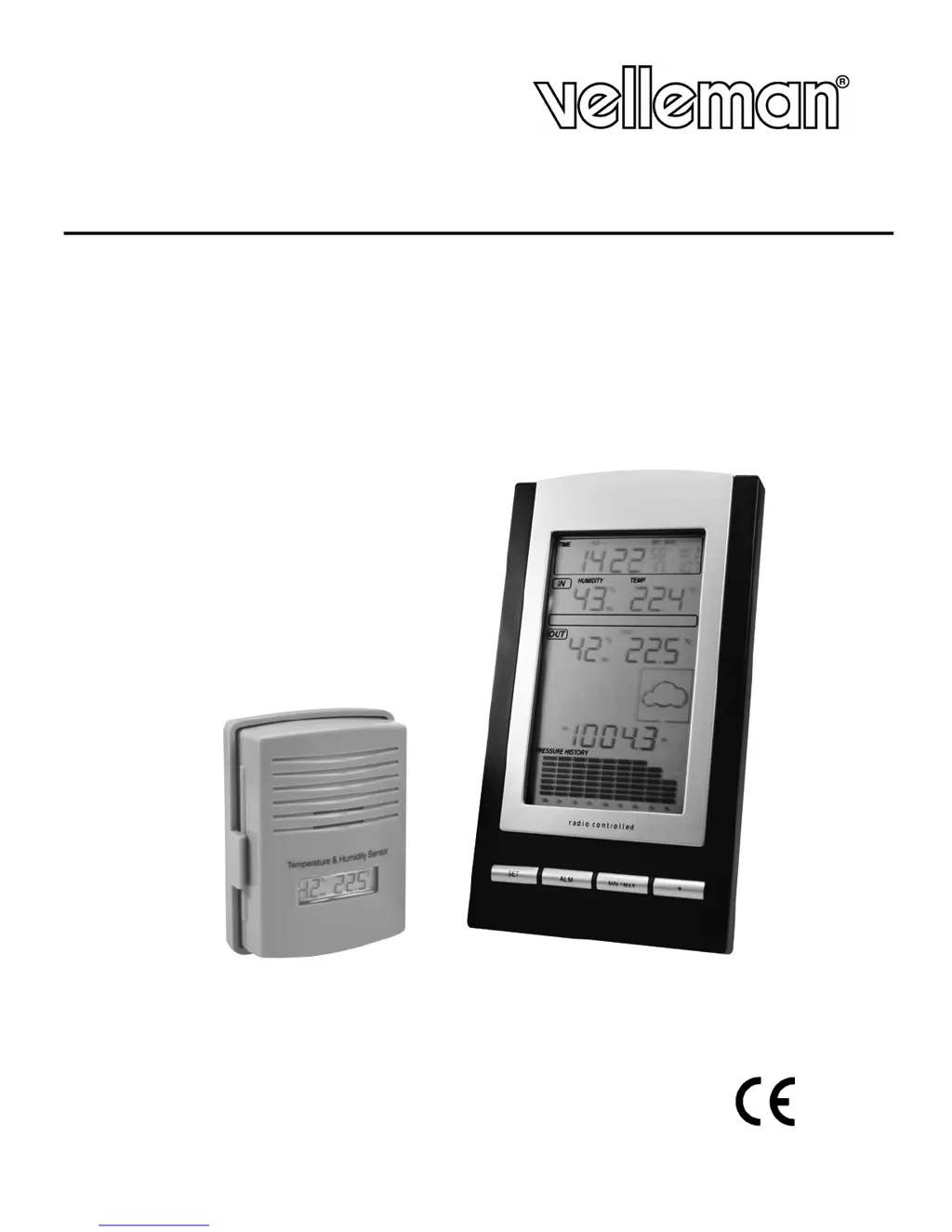
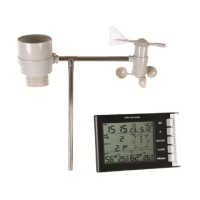
WS1170
WIRELESS WEATHER STATION
DRAADLOOS WEERSTATION
STATION MÉTÉO SANS FIL
ESTACIÓN METEOROLÓGICA INALÁMBRICA
DRAHTLOSE WETTERSTATION
USER MANUAL
GEBRUIKERSHANDLEIDING
NOTICE D’EMPLOI
MANUAL DEL USUARIO
BEDIENUNGSANLEITUNG

Questions and Answers

Summary

Introduction

Setting up Your Weather Station

The Base Station

Details on placing and mounting the base station unit for optimal radio signal reception.

The Outdoor Station

Guidance on mounting the remote outdoor sensor, avoiding direct sunlight for accurate readings.

Description of the LCD

An Overview

Detailed labeling and identification of all segments and icons displayed on the weather station's LCD screen.

Weather Icons

Explanation of the four weather icons (sunny, partly cloudy, cloudy, rainy) and their relation to atmospheric pressure.

Weather Forecast Icons

Description of weather tendency arrows indicating atmospheric pressure changes and expected weather.

Storm Warning Icon

Information on setting and activating the storm warning threshold and its visual indicator on the display.

Programming Your Weather Station

Quick Display Mode

How to navigate and switch between different data views like outdoor temperature, dew point, and pressure modes.

Setting Modes

Step-by-step guide for setting time, date, temperature scale, pressure units, and alarm thresholds.

Alarm Modes

Instructions on setting High (HI) and Low (LO) alarms for temperature, humidity, and pressure values.

MIN;MAX Mode

How to access and reset the recorded minimum and maximum temperature, humidity, and pressure values.

Troubleshooting

Technical Specifications

Summary

Introduction

Setting up Your Weather Station

The Base Station

Details on placing and mounting the base station unit for optimal radio signal reception.

The Outdoor Station

Guidance on mounting the remote outdoor sensor, avoiding direct sunlight for accurate readings.

Description of the LCD

An Overview

Detailed labeling and identification of all segments and icons displayed on the weather station's LCD screen.

Weather Icons

Explanation of the four weather icons (sunny, partly cloudy, cloudy, rainy) and their relation to atmospheric pressure.

Weather Forecast Icons

Description of weather tendency arrows indicating atmospheric pressure changes and expected weather.

Storm Warning Icon

Information on setting and activating the storm warning threshold and its visual indicator on the display.

Programming Your Weather Station

Quick Display Mode

How to navigate and switch between different data views like outdoor temperature, dew point, and pressure modes.

Setting Modes

Step-by-step guide for setting time, date, temperature scale, pressure units, and alarm thresholds.

Alarm Modes

Instructions on setting High (HI) and Low (LO) alarms for temperature, humidity, and pressure values.

MIN;MAX Mode

How to access and reset the recorded minimum and maximum temperature, humidity, and pressure values.

Troubleshooting

Technical Specifications

Velleman ws1170 Specifications

General IconGeneral
CategoryWeather Station
Temperature Resolution0.1 °C
Temperature Accuracy± 1 °C
Humidity Resolution1 %
Humidity Accuracy± 5 %
Radio Frequency433 MHz
Power - Main Unit3 x AA batteries (not included)
Power - Outdoor Sensors2 x AA batteries (not included)
Display TypeLCD
Wireless Transmission Range100 m
Indoor Temperature Range0°C to 50°C
Humidity Range20% to 99%
Rainfall Range0 to 9999 mm
Barometric Pressure Range1100 hPa
Transmission Range100 m
Power SupplyBattery

Related product manuals