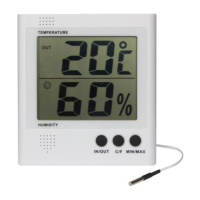
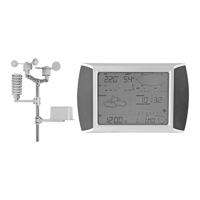
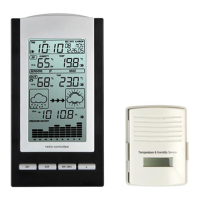
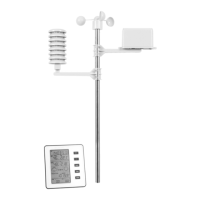
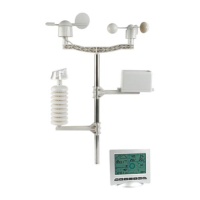
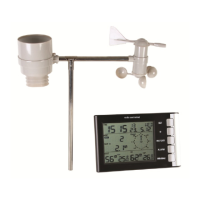
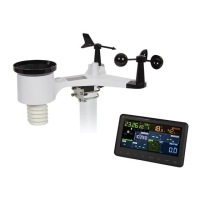
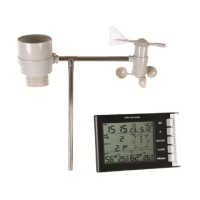
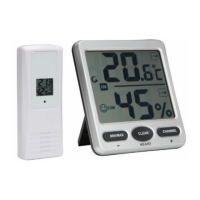
WS8472
V. 01 – 10/06/2015 7 ©Velleman nv
9. Operation
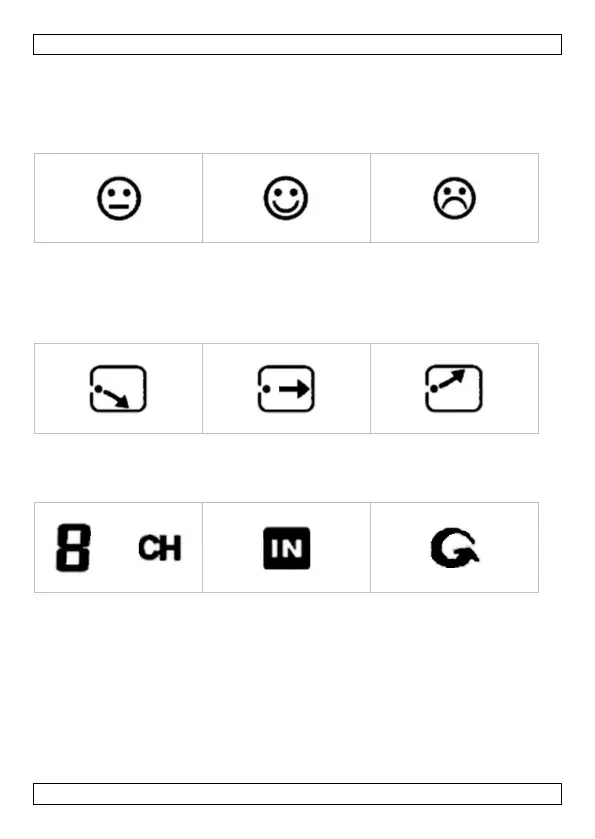
9.1 Comfort Icon
The comfort icon is based on the humidity level.
9.2 Weather Forecast Icon
The thermo-/hygrometer detects rapid changes in temperature and
humidity. According to those changes, the thermo-/hygrometer predicts the
weather for the coming hours.
9.3 Indoor/Outdoor Display
Press CHANNEL to toggle between the thermo-/hygrometer or the sensor.
9.4 Selecting the Temperature Unit
The default temperature will be displayed in degrees Celsius. To toggle
between units, hold MIN/MAX pressed for three seconds.


 To Next Page