English
- 24 -
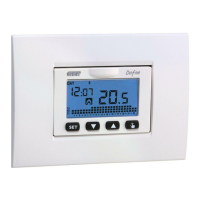
Dafne chronothermostat, user’s manual
PROGRAMMING MENU
With this menu it’s possible to modify
the following operating parameters:
- Date and time
- Automatic operation programs
- Automatic operation temperatures
- Timings
- Advanced functions.
Time and date modification
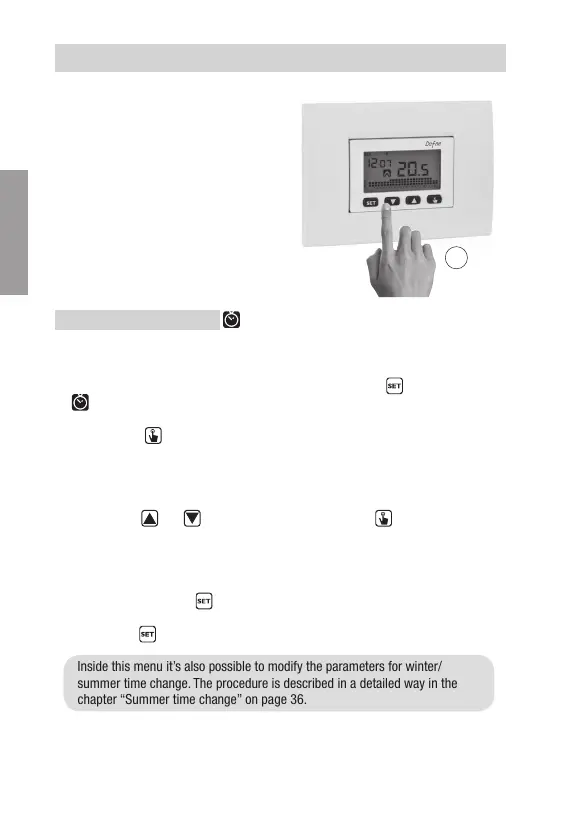
To modify the set time and date:
1. From normal operating display, press for a long time the key
until the symbol
starts flashing on field (2)
2. Press the key
to access parameters modification. The seconds field starts
flashing. Parameters sequence to set is:
seconds* -> minutes -> hours -> year -> month -> day
3. Use the keys
and to modify the values and the key to confirm and move
to the next parameter.
(*) for seconds it’s possible only the synchronisation at value 00
4. Once all parameters are set, to exit and go back to the programming menu, press
for a short time the key
.
To exit and go back to the normal operation (automatic, manual) press for a long
time the key
or wait for the time-out expiration (30 seconds about).
Inside this menu it’s also possible to modify the parameters for winter/
summer time change. The procedure is described in a detailed way in the
chapter “Summer time change” on page 36.
3s


 To Next Page