English
- 28 -
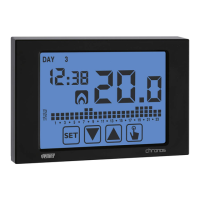
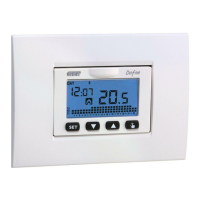
Dafne chronothermostat, user’s manual
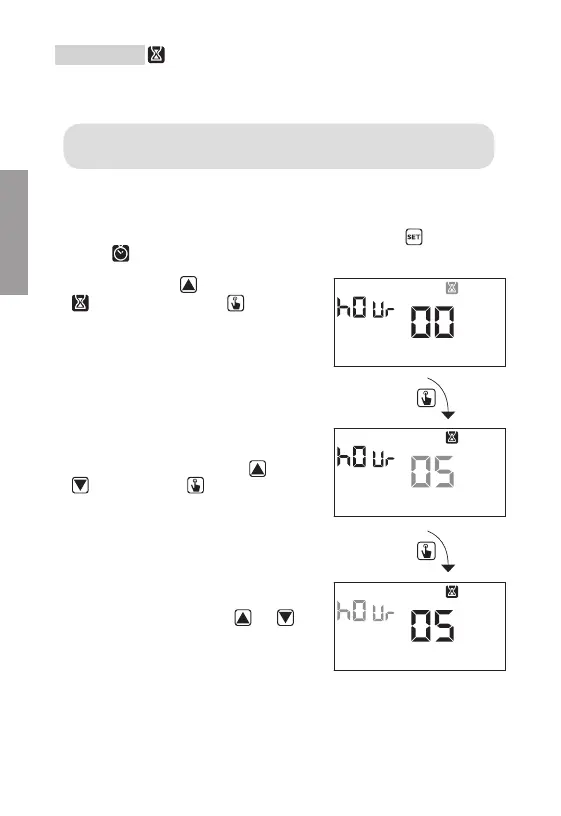
2. Press briefly the key until the symbol
flashes and press the key to access
the parameters modification.
3. The value of the timing currently set
flashes (00= no timing). Enter the timing
value (from 1 to 99) with the keys
and
and press the key to move to the
measurement unit change (hours or days).
4. The measurement unit starts flashing
(h0ur or day). Press the keys
and
to choose if it is a timing in hours (h0ur)
or days (day).
Timing setting
This menu allows the setting of a timing on the current operating mode, expressed in
hours or days.
For further information about timings, see the chapter “Timings: what they
are” on page 40.
To set a timing:
1. From the normal operation display, press for a long time the key
until the
symbol
starts flashing on field (2)


 To Next Page