23
5.2 ANNUAL MAINTENANCE
5. MAINTENANCE (CONT’D)
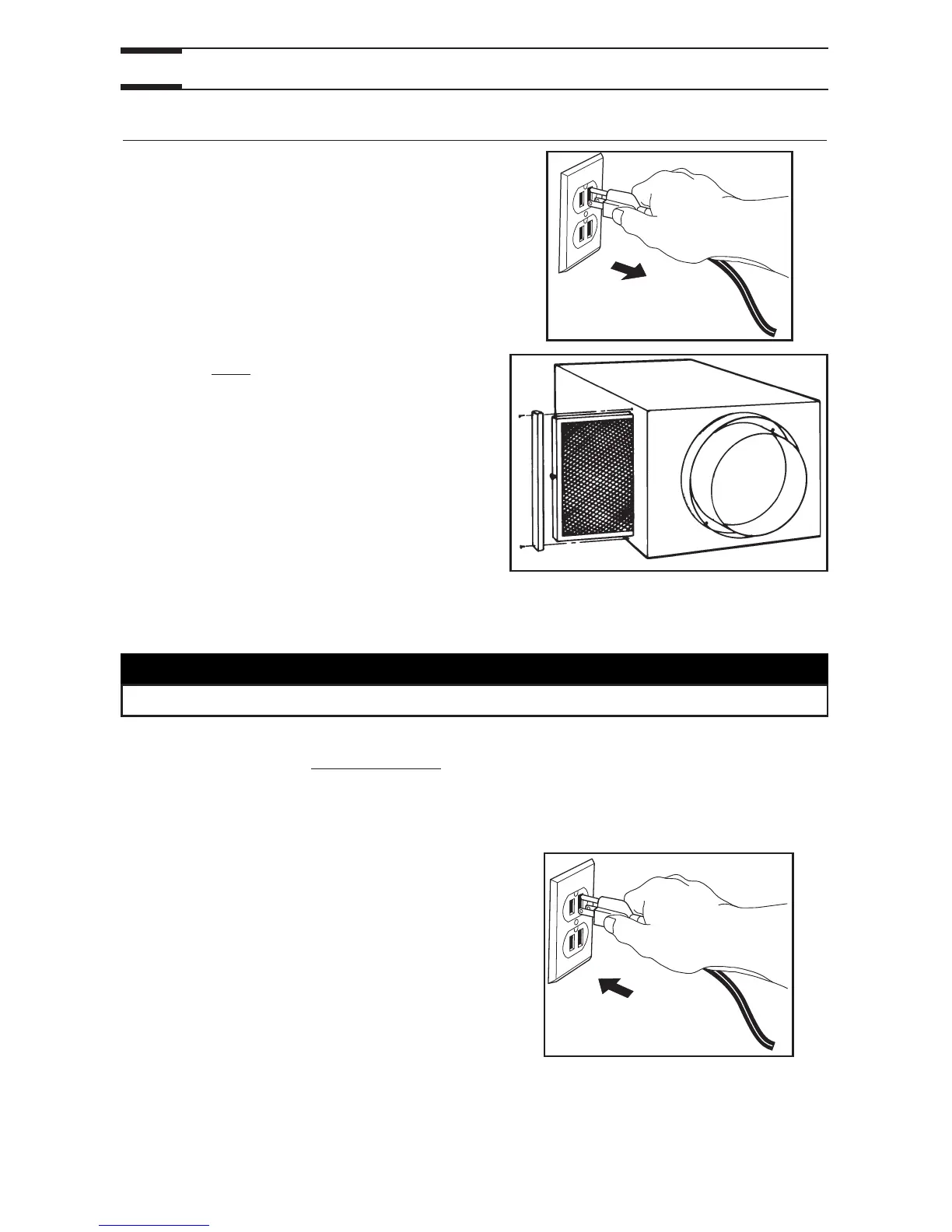
1. Disconnect the power supply.
2. Clean filter
• Remove filter.
• Vacuum to remove most of the dust.
• Wash with a mixture of warm water and
mild soap. You may add bleach if you
wish to disinfect (one tablespoon per
gallon). Rinse thoroughly. Shake filter to
remove excess water and let dry.
NOTE: Washing the filter in the top tray of the dishwasher is possible, but the aluminum
frame might tarnish.
3. Check the exterior air intake hood
:
• Make sure there are no leaves, twigs, ice or snow that could be drawn into the
vent.
• Clean if necessary.
4. Plug back the unit.
5. Reset the maintenance indicator by inserting a small rod (e.g.: paper clip end) into
the optional control reset hole. Press lightly until the Maintenance indicator light turns
off.




 To Next Page