12
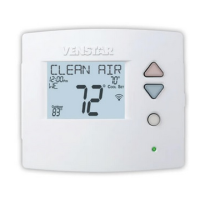
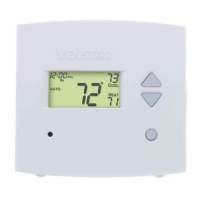
Step 9 - AttachThermostat
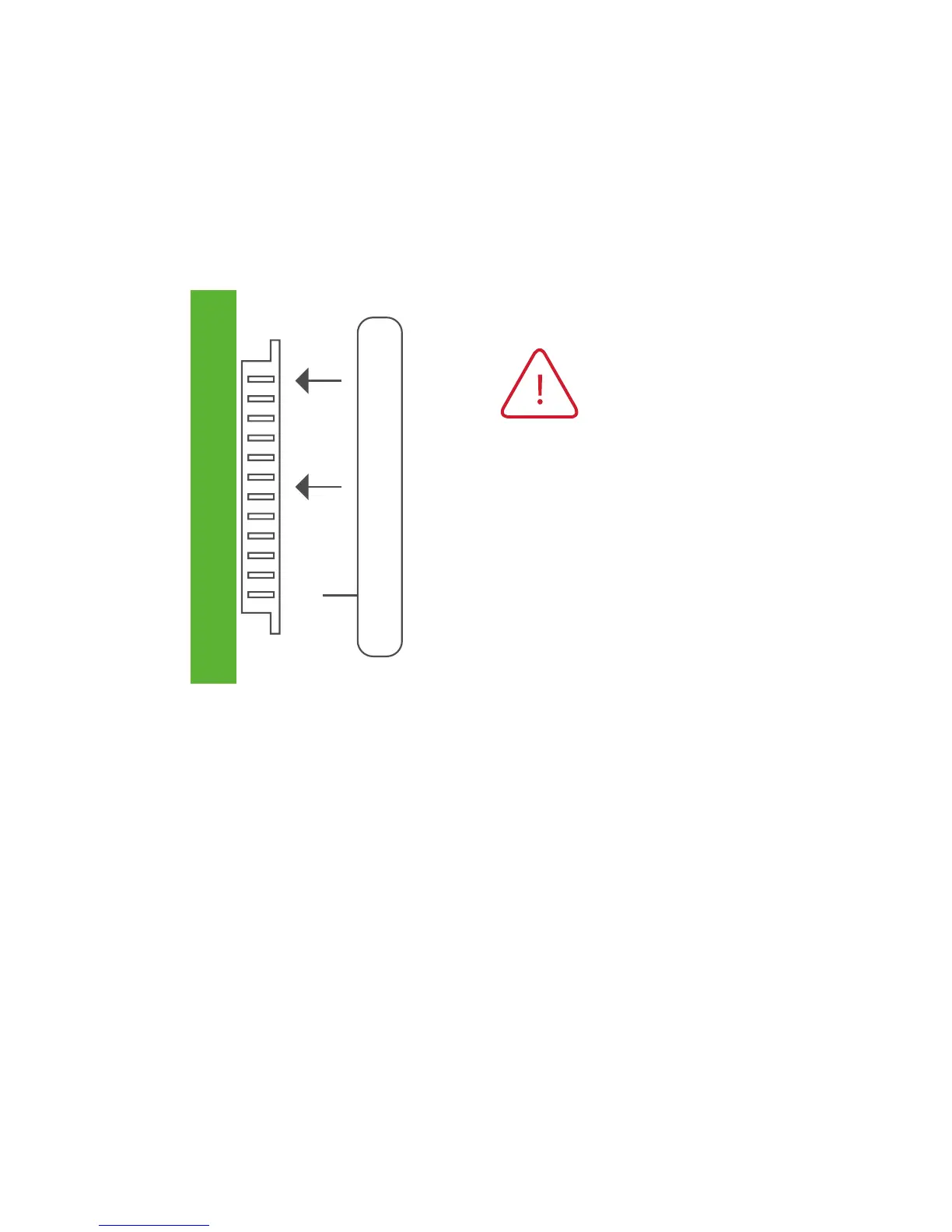
1) Alignthepinsonthethermostatcircuitboardwiththecorresponding
holes below the wiring connectors and push the top and the bottom
of the plastic housing enclosing the display until it clicks into place,
top and bottom.
Step 10 - SwitchPower/CircuitBreakersBackOn
Turn your furnace and air conditioner breakers back on at your breaker
panel.
Side View
Displayshouldclickinto
place easily. If you encounter
resistancedonotapplyexcess
force–taketheplateo,
check that the pins are straight
and ensure there are no wires
in the way and retry.





 To Next Page