16
Quick Start - Connect to Skyport (from menus)
AlthoughthereismorethanonewaytocreateaSkyportaccount,the
steps below illustrate creation from a browser.
IfthethermostatisconnectedtothelocalWi-FiAccessPoint,butnot
yetjoinedtoaSkyportaccount,youmayjointhethermostattoan
account by doing the following:
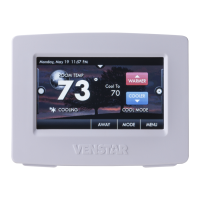
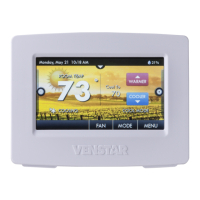
SelectMENUfromthethermostat’shomescreen.
Scrolldown
SelectSkyport
SelectSkyportAccountandfollowtheonscreeninstructions.
1. Openyourbrowserto:http://venstar.skyportcloud.com
2. Select“Createaccountnow”
3. Followonscreeninstructionstocreateanaccountandadda
thermostattotheSkyportaccount.
• Skyport Account
Create Account Now
4








 To Next Page