15
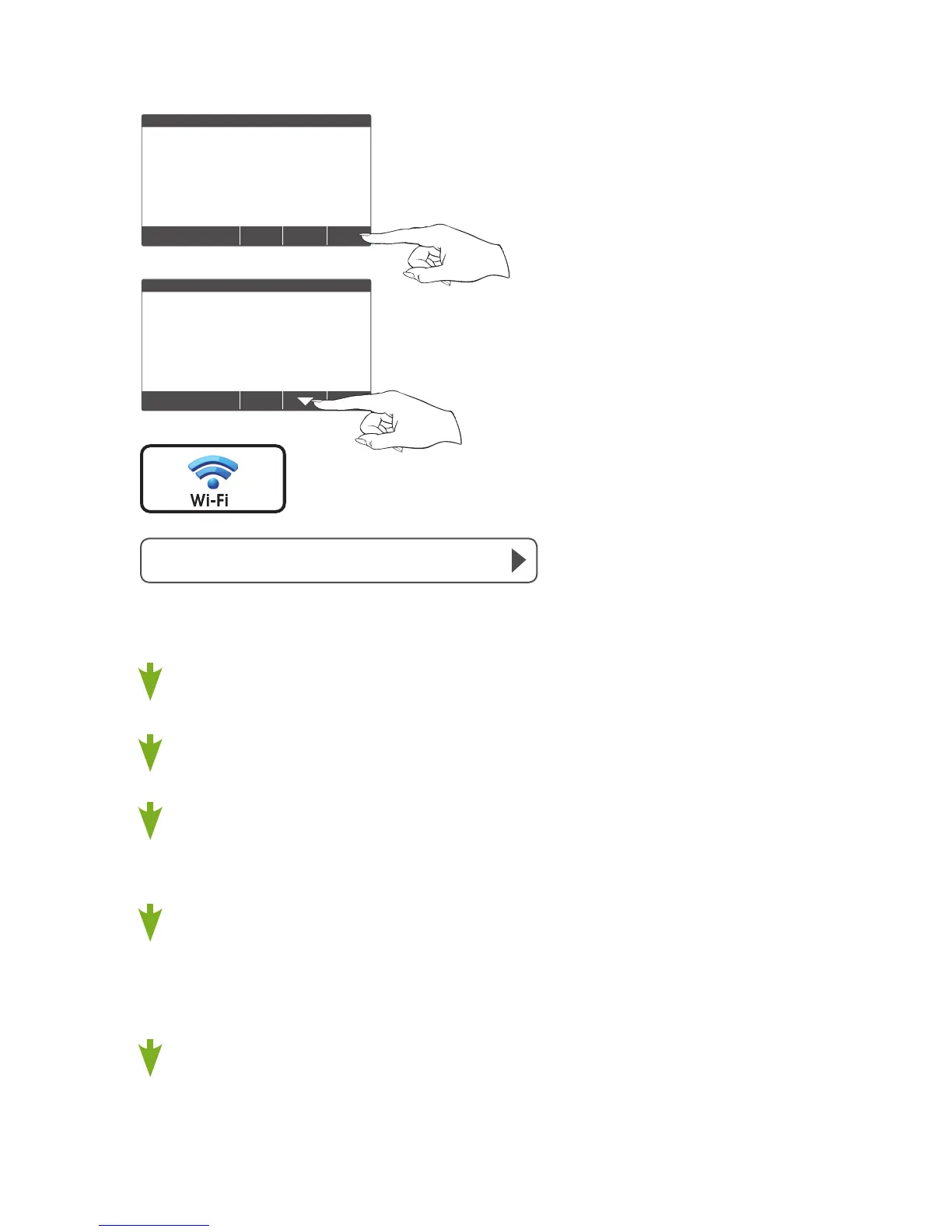
Quick Start - Connect to Wi-Fi (from menus)
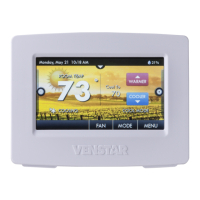
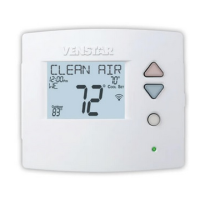
72
MENU
72
Press MENU
Press DOWN
Press Wi-Fi Setup
Select the access point from the list that you want to
connect to.
EnterthepasswordfortheWi-FiAccessPointandpressNEXT.
SelectautomaticsetupandpressNEXT.
Whenfinished,adialogboxwillappearconfirmingthesuccessful
connectiontothelocalWi-FiAccessPoint.
SelectOK,thentheWi-Fistatuspagewillappear.Uponclosing
oftheWi-Fistatuspage,youwillbeaskedtojointhethermostat
toaSkyportaccount.
SelectYES and follow the onscreen instructions to create a new
Skyportaccountortoaddthethermostattoanexistingaccount.
• Wi Fi Setup
Press Wi-Fi








 To Next Page