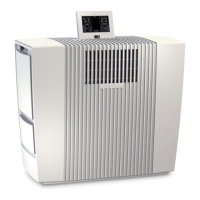
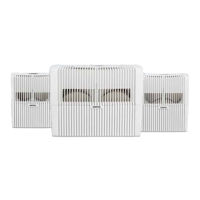
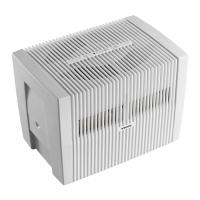
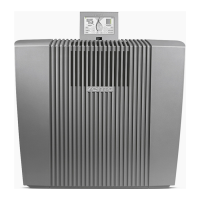
4ENVenta LPH60 WiFi
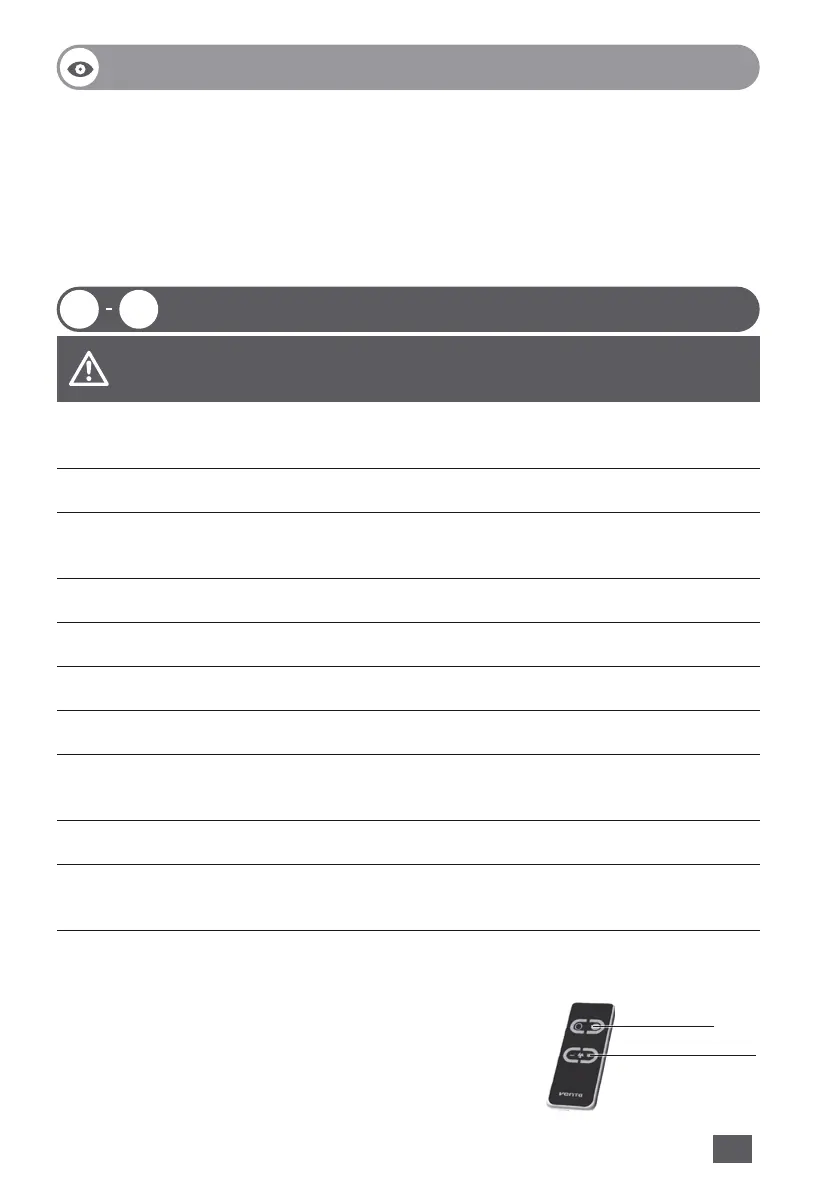
1 Display
2 On/o switch
3 Evaporator compartment
4 Water tank
5 Disc stack
6 Water basin
7 Fragrance/lter compartment
8 Fragrance holder
9 Pre-lter
10 Premium VENTAcel H13 Filter
11 Cable compartment
12 Hygiene Disc (pre-assembled)
13 Remote control
14 Transportation wheels
01 10
PUTTING INTO OPERATION
OVERVIEW
01 Unpack the appliance and set it up. Open the fragrance/lter compartment
7, remove the pre-lter 9, remove and unpack the VENTAcel lter 10.
02 Re-insert the VENTAcel lter 10 and pre-lter 9.
03 Inserting the fragrance: Twist open the fragrance cap and insert it into the
fragrance holder 8. Insert up to three fragrances into the fragrance holder 8.
04 Close the fragrance/lter compartment 7.
05 Open the evaporator compartment 3 and remove the water tank 4.
06 Open the water tank 4 and ll up to the MAX marker with cold water.
07 Close the water tank 4 securely.
08 Insert the water tank 4 into the water basin 6 and close the evaporator
compartment 3.
09 The display 1 can be adjusted to three positions.
10 The power cable can be adjusted to the desired length by winding it up in
the cable compartment 11.
Move the appliance with the transportation wheels 14 to the desired place.
Lift the appliance slightly on the right sight.
Attention! Make sure that the appliance is switched o and the
power plug is disconnected.
Attention! The coupling of the mains cable must be
plugged rmly into the device!
Please remove the protective foil for battery and
remote control.
Set fan stage
ON/OFF


 To Next Page