18
TO VIEW THE ABSOLUTE / RELATIVE BAROMETRIC READING
In normal mode, press and hold [ BARO ] key to switch between ABSOLUTE / RELATIVE
barometric reading.
RAINFALL
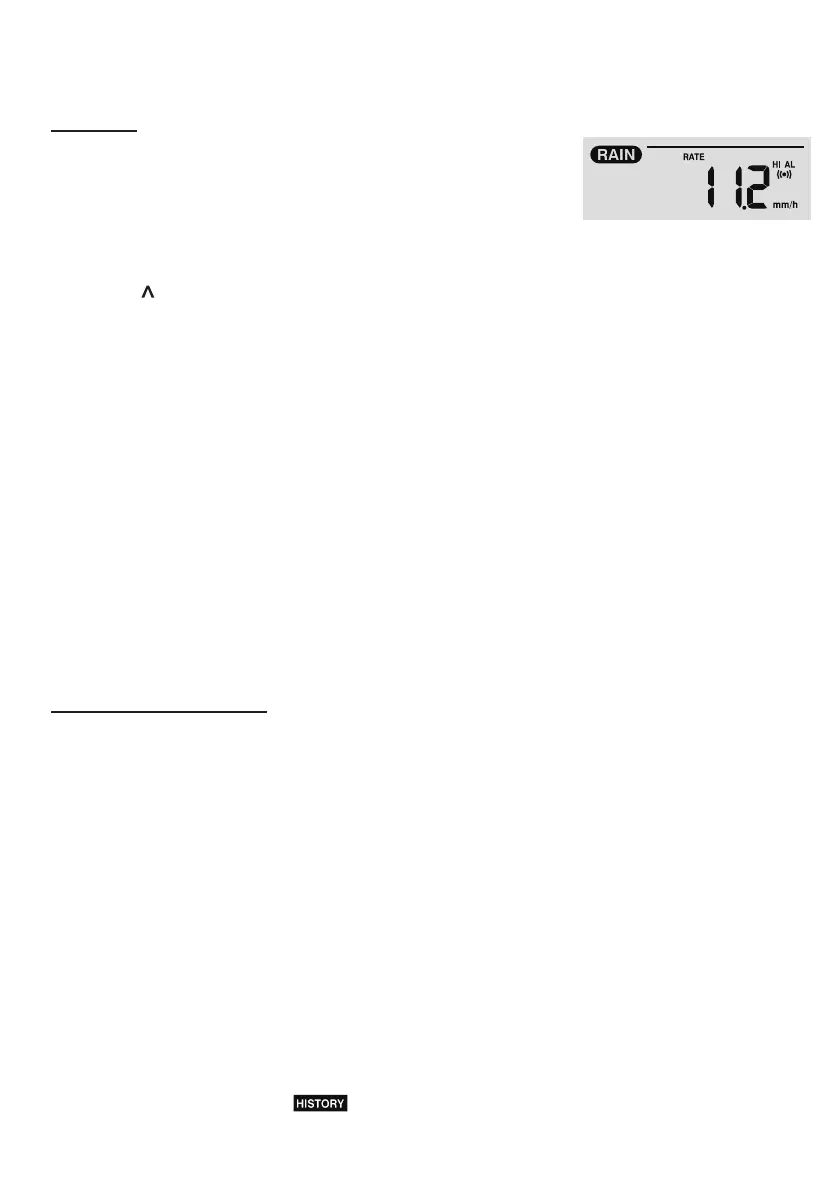
The RAINFALL section shows the rainfall and rain rate
information
TO SET THE RAINFALL UNIT
1. Press and hold [ RAIN ] key for 2 seconds to enter unit setting mode.
2. Press [ ] or [ V ] key to toggle the rainfall unit between mm and in.
3. Press [ RAIN ] key to conrm and exit the setting.
TO SELECT THE RAINFALL DISPLAY MODE
Press [ RAIN ] key to toggle between:
1. HOURLY - the total rainfall in the past hour
2. DAILY - the total rainfall from midnight
3. WEEKLY - the total rainfall of the current week
4. MONTHLY- the total rainfall of the current calendar month
5. Total - the total rainfall since the last reset
6. Rate - Current rainfall rate in past an hour (Update every 24 seconds)
TO RESET THE TOTAL RAINFALL RECORD
In normal mode, press and hold [ HISTORY ] key for 2 seconds to reset all the rainfall record.
NOTE:
To ensure correct data, please reset all the rainfall record when you reinstall your wireless 5-IN-
1 sensor to other location
MAX / MIN DATA RECORD
The console can record the accumulated MAX / MIN weather data with the corresponding time
stamp for you to easy review.
TO VIEW THE ACCUMULATED MAX / MIN
In normal mode, press [ MAX / MIN ] key to check MAX/MIN records. The display sequence is:
indoor (or current channel) MAX temperature → indoor (or current channel) MIN temperature
→ indoor (or current channel) MAX humidity → indoor (or current channel) MIN humidity →
outdoor MAX temperature → outdoor MIN temperature → outdoor MAX humidity → outdoor MIN
humidity → MAX average wind speed → MAX gust → MAX relative pressure → MIN relative
pressure → MAX absolute pressure → MIN absolute pressure → MAX FEELS LIKE → MIN
FEELS LIKE→ MAX heat index → MIN heat index → MAX wind chill → MIN wind chill → MAX
dew point → MIN dew point → MAX daily rainfall.
TO CLEAR THE MAX/MIN RECORDS
Press and hold [ MAX / MIN ] key for 2 seconds to reset the MAX/MIN records of specify
weather display section.
NOTE:
The LCD will also display the " " icon, data records time & date.



 To Next Page