PROFESSIONAL
WEATHER STATION
read more at www.ventusdesign.com
BEFORE INSTALLATION
Before you install your lonobox weather station,
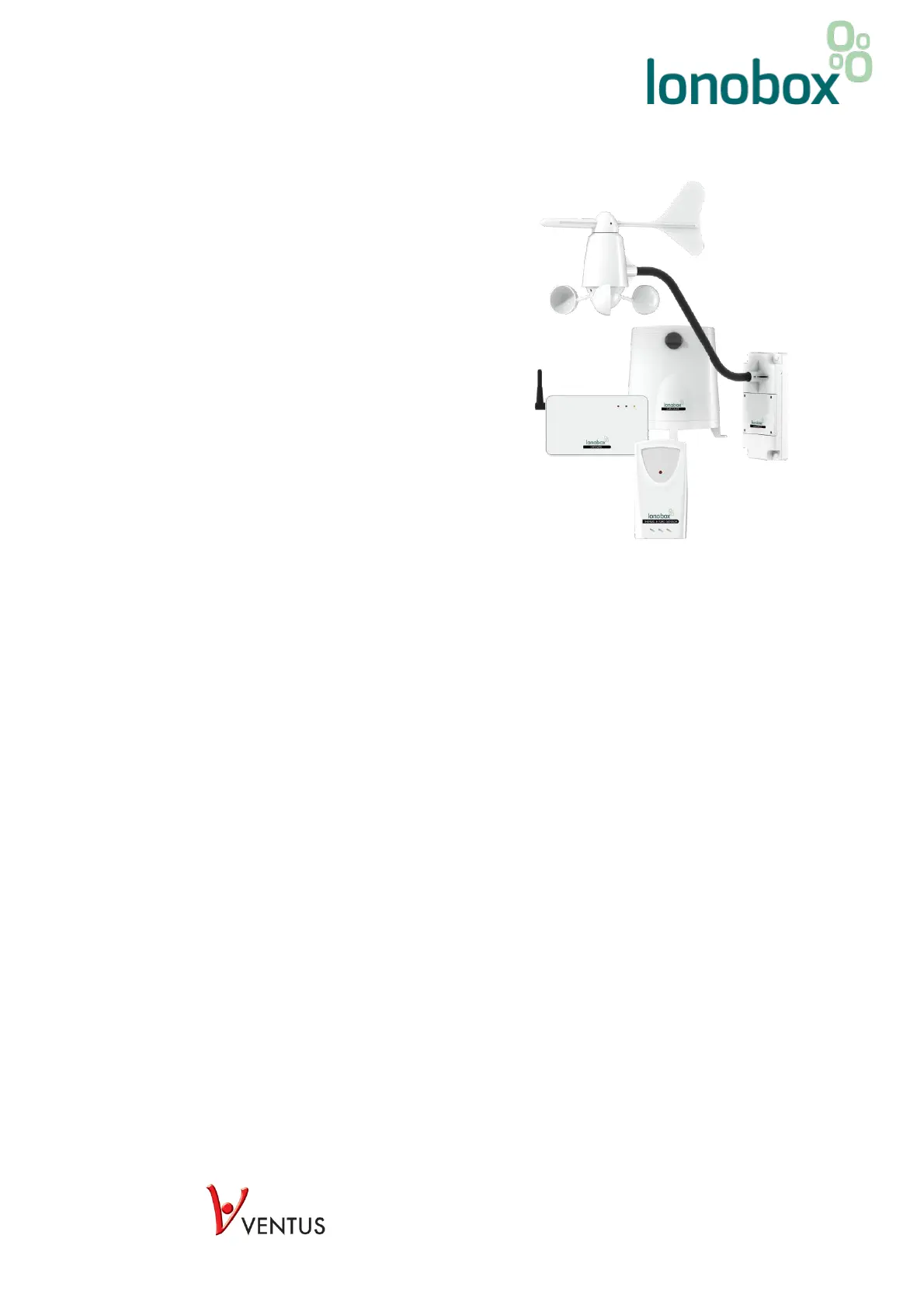
please make sure that the following parts are in the
package:
1 x Gateway unit
1 x AC/DC 5V adapter
1 x Ethernet cable
1 x Temperature/humidity sensor
1 x Rain Gauge
1 x Anemometer
Anemometer mounting brackets and assembly tool
4 x Rain gauge mounting screws
INSTALLATION
The gateway unit must be connected to your Internet router via an Ethernet cable. You must therefore find
a place close to your Internet router where you can place your gateway unit. The gateway unit requires
power via the AC/DC 5V adapter.
Start by plugging the gateway unit into the power outlet and then connecting the gateway unit to the
Internet router via the included Ethernet cable.
Now all the wireless measuring devices must be connected and it is recommended that you ensure that
they are properly connected before installing them outdoors, for example.
INSTALLATION OF TEMPERATURE/HUMIDITY SENSOR
Open the battery cover by removing the screws on the back of the gauge.
Connect the batteries by removing the plastic strip.
Close the battery cover by inserting and tightening the screws.



 To Next Page