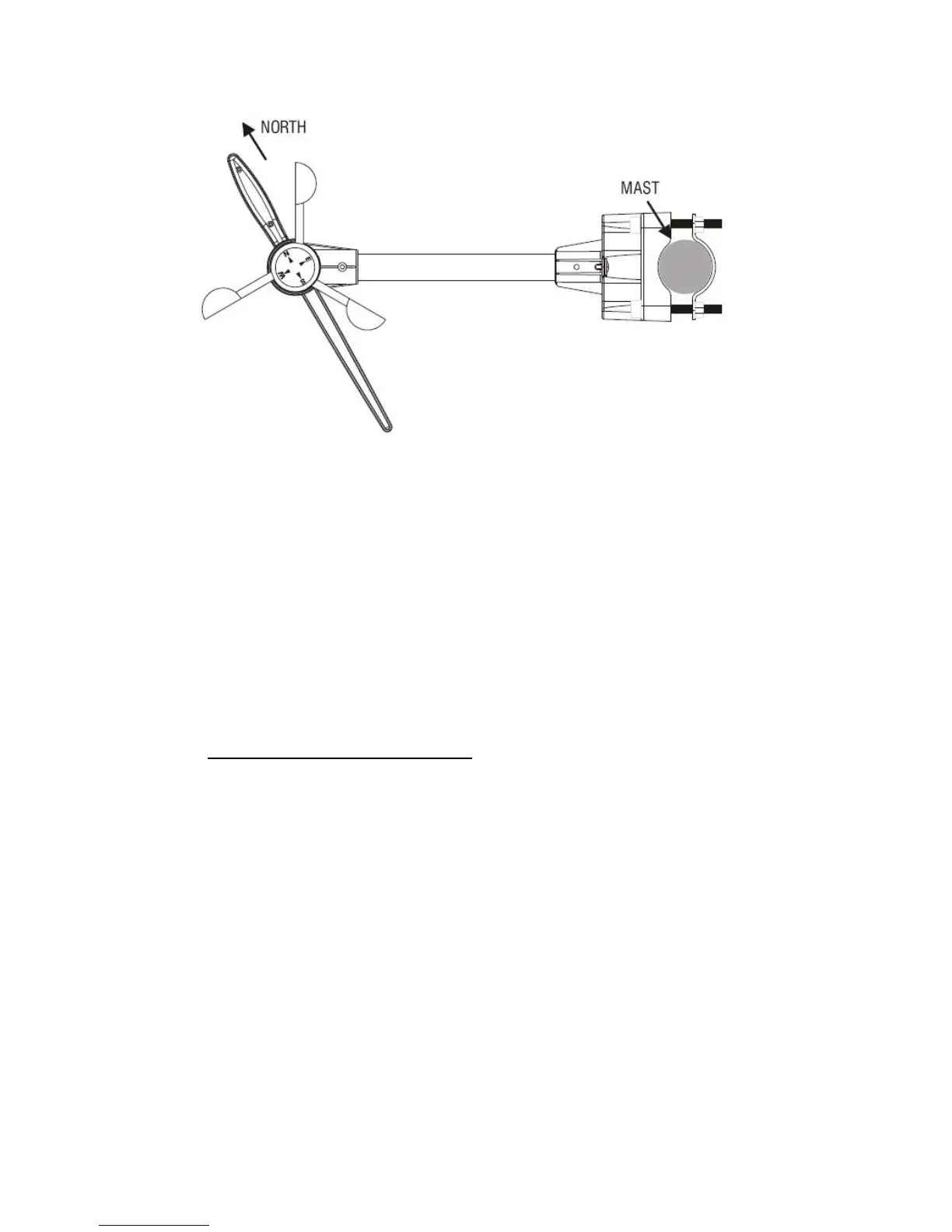
3. Hold the wind vane pointing due north and do not allow it to turn. Insert 2 pieces of AA batteries
according to the polarity indicated. The red LED indicator above the battery cover of the
anemometer will flash few times right after battery installation. Be sure the vane is pointing due
north at the moment when red LED flashes and the calibration is now completed. Replace the
battery cover and tighten the screws.
4. If the wind vane is not pointing due north when the red LED first flashes, remove batteries and
repeat step 2 & 3.
5. Hold “CHANNEL/SEARCH” buttons on the monitor to search for remote transmitter. Wind direction,
wind speed, wind chill & channel-1 temperature/humidity readings will appear if the RF transmission
is successful.
5. Selecting a location for the rain gauge
Select a mounting location for the rain gauge that is:
- a flat, level surface
- within 30 meter (100 feet) open area from the monitor. Reduce distance if obstacles is between
the rain gauge & the monitor
- in an area not blocked on the top or sides, so rain can freely reach the rain gauge (for example,
not under an overhang or too close to a building or fence)
Cautions:
- To prevent false rainfall readings caused by water splashes, do not choose a location that is not
level or that is too close to the ground, a swimming pool, lawn sprinklers, or anywhere water might
accumulate or run off
- The screen in the cylinder of the rain gauge filters most debris (such as leaves) that might fall into
the rain gauge. To avoid frequent build-up of debris in the cylinder, do not mount the rain gauge



 To Next Page