2) Open the battery door of the transmitter and insert 4 pieces of AA batteries according to the battery polarity
indicated. Close the battery door and tighten the screws.
3) Connect power adapter to the back of the main unit. Open the battery door and Insert 3 pieces of AA
batteries according to the battery polarity indicated. Close the battery door.
4) The weather forecast display will flash. Press [+] or [-] buttons on to select the current weather condition as
initial weather forecast setup. Press [Clock/Set] to confirm.
5) The main display will flash indicating it is in the searching mode
(If the main display stops flashing, you may hold the [Search] button for 3 seconds on the main unit to
enforce RF searching)
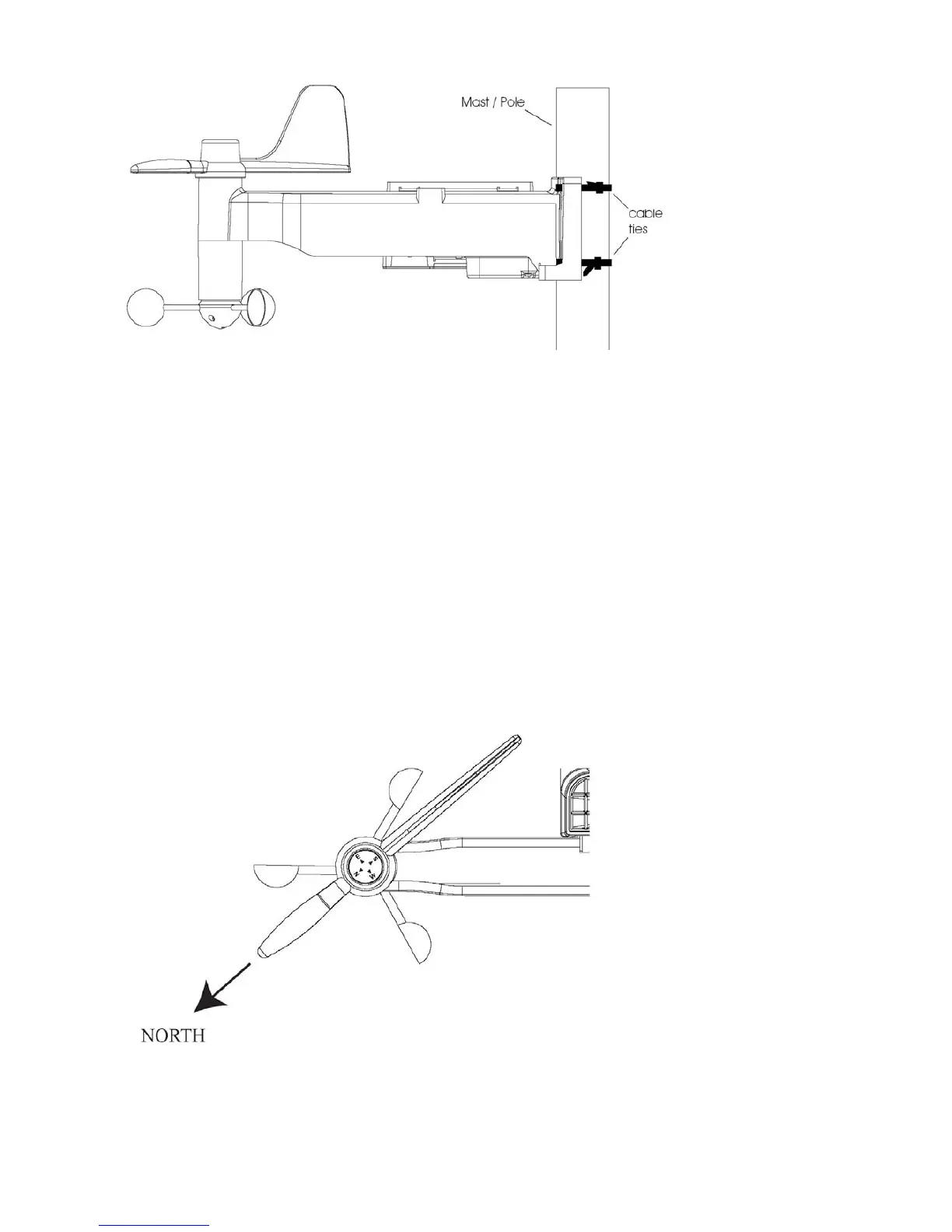
6) While the main unit is in searching mode, Go to the transmitter and keep the wind vane pointing at North
direction and then single press [Transmit] button on the bottom casing to send RF data to the receiver for
registration & calibration purpose (LED will flash few times)
7) Once the RF reception is successful, the main display will show the outdoor temperature/ humidity, rainfall,



 To Next Page