The recommended exposure time is calculated based on
- Skin type of the user
- SPF (Sun Protection Factor) of the sunscreen
Hold [UV] button for 3 seconds to enter setting mode for skin type and SPF. Press [+] or [-] to select and press
[UV] to confirm.
Skin Type values range from 1 to 4.
Skin Type Skin Categories Skin Color in Unexposed Area Tanning History
1 Never tans, always burns Pale or milky, white alabaster Develops red sunburns, painful
swelling, skin peels
2 Sometimes tans, usually
burns
Very little browns, sometimes
freckles
Usually burns, pink or red coloring
appears, can gradually develop
3 Usually tans, sometimes
burns
Light tan, brown or olive, distinctly
pigmented
Rarely burns, moderately rapid
tanning response
4 Always tans, rarely burns Brown, dark or black Rarely burn, very rapid tanning
response
SPF refers to the amount of sun exposure time allowed before a person’s particular skin type begins to burn. An
SPF value is assigned by the manufacturers of sun protection cosmetics for items such as sunscreens, lipsticks,
makeup, etc. For example, using sunscreen with an SPF of 4 indicates a person can be exposed to the sun 4
times longer without burning than without using any sunscreen.
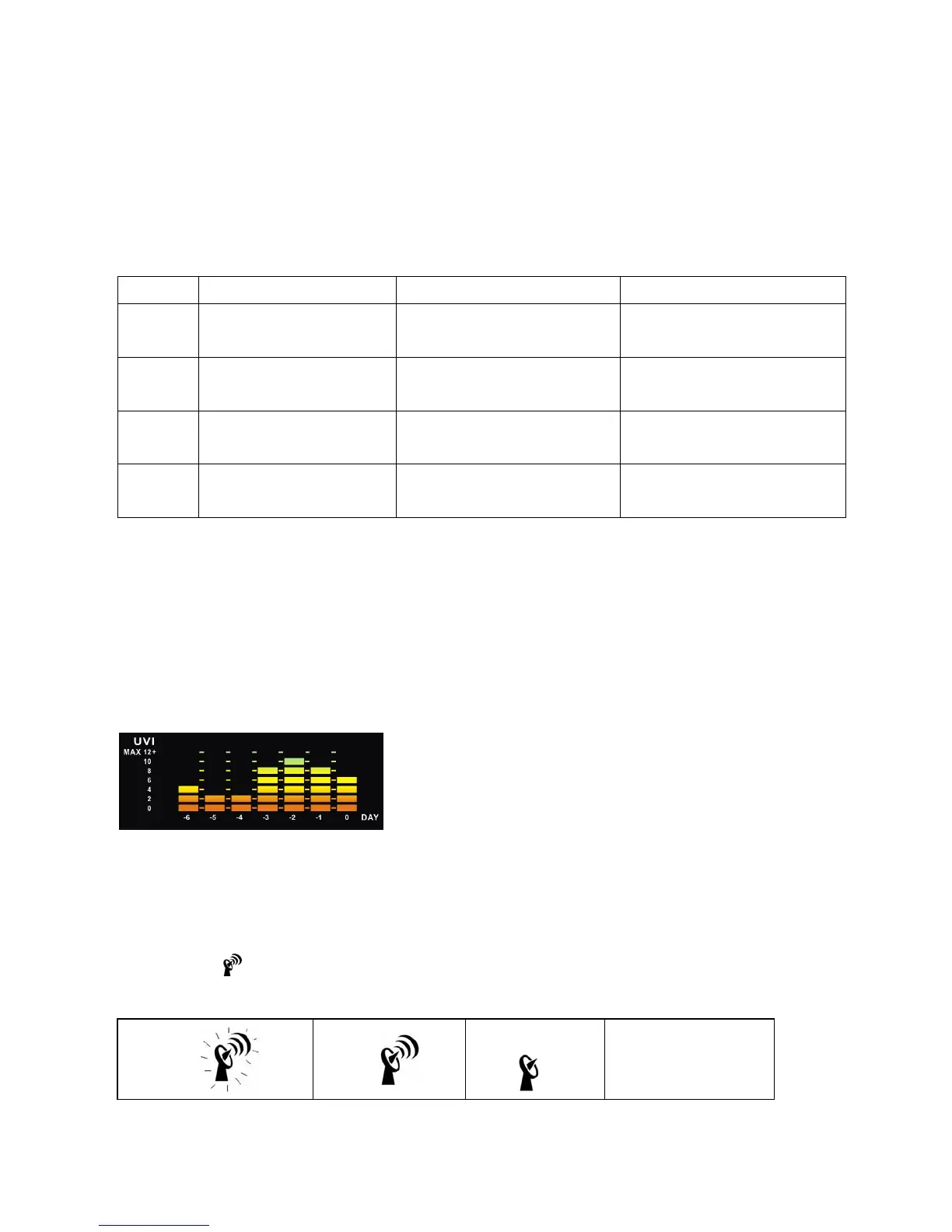
Once [UV] button is pressed, 6-days historical bar graph is displayed in the middle left of the display showing the
lightning distance record in the past 6 days.
RADIO-CONTROLLED CLOCK
The main unit will start synchronizing the radio-controlled clock after battery/adapter installation. The antenna
icon will flash during synchronization. If the reception of radio-controlled time is successful, antenna icon with full
signal strength
will appear on screen. The radio-controlled clock will have a daily synchronization at 02:03 &
03:03 everyday. Each reception cycle is around 2.5 to 10 minutes.
Antenna icon disappear



 To Next Page