22 23
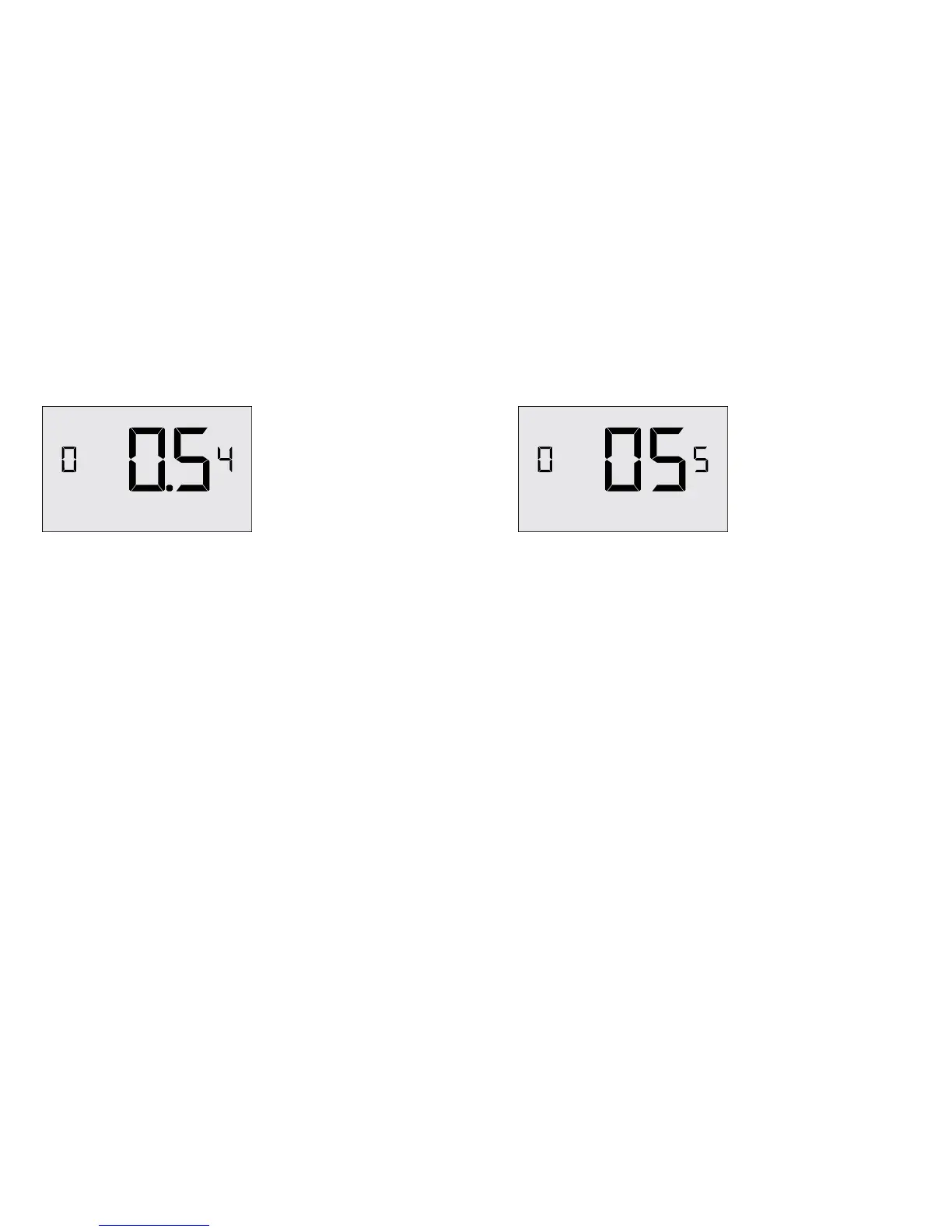
1ST STAGE DIFFERENTIAL - COOL
02-30 (0.2°F - 3.0°F; 0.5°F*) Select the difference between temperature
setpoint and room temperature before 1st STAGE cooling is
initiated.
Thermostat Settings
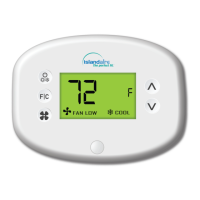
INCIDENTAL OCCUPANCY THRESHOLD
00-60 (05*) Select the minimum period of time (in minutes)
for which occupancy needs to be detected to enter guest
occupancy mode.
When occupancy is detected, thermostat will switch to
occupied mode for a duration of “Incidental Occupancy
Threshold” selected here.
If occupancy is detected for a period of time shorter than the
“Incidental Occupancy Threshold” selected here, the thermostat
will automatically revert to unoccupied mode at the end of
the “Incidental Occupancy Threshold” period and continue to
observe energy saving functions that were in effect before the
room became occupied.
This setting allows ignoring incidental room visits.
Thermostat Settings


 To Next Page