14 15
Thermostat ConfigurationThermostat Configuration
Configuring the Equipment Settings - Reversing Valve
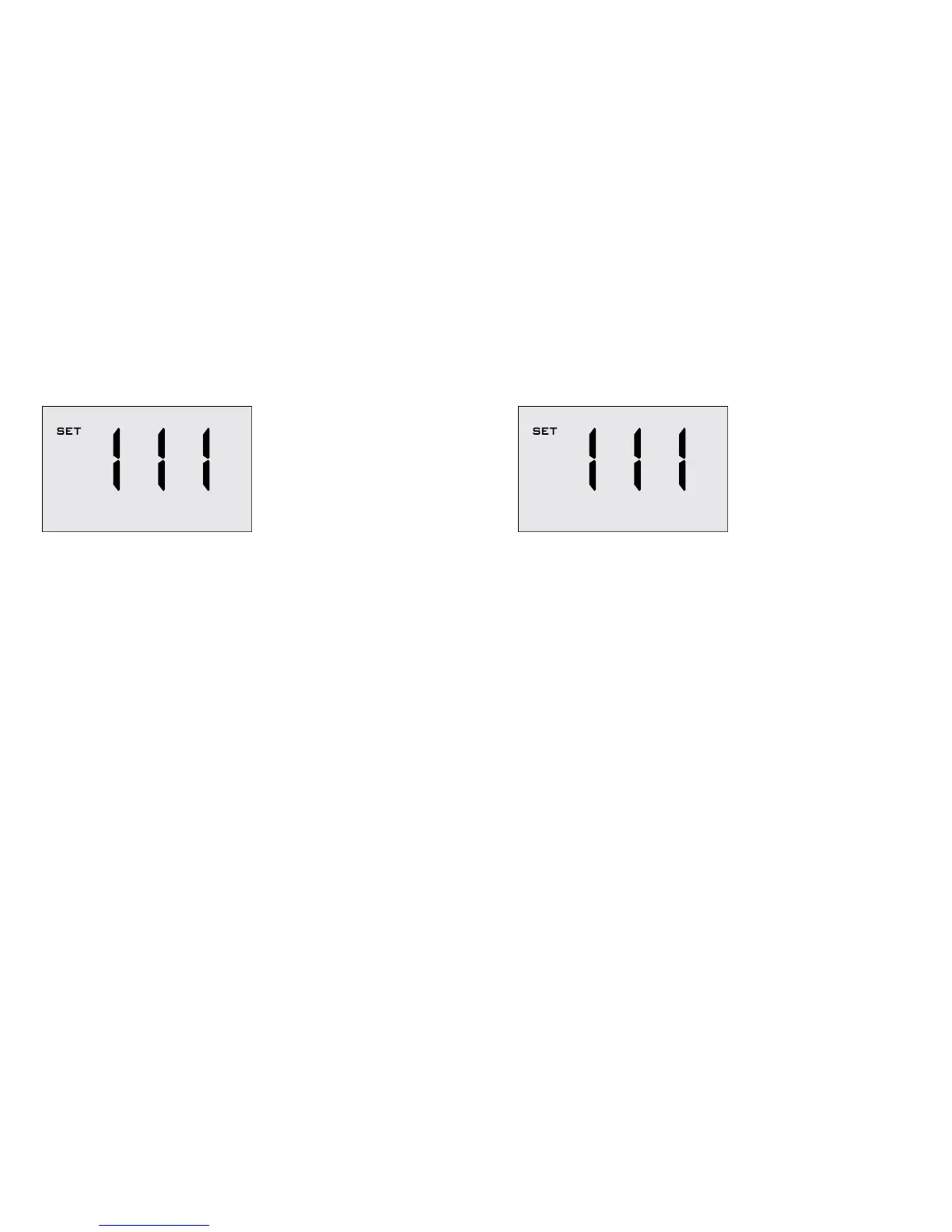
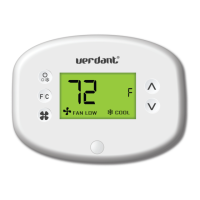
➤ Use the “Up” and “Down” buttons to change the Reversing Valve
setting by changing the third digit;
0 Energizes the PTAC OB valve to COOL;
1 * Energizes the PTAC OB valve to HEAT;
Refer to the PTAC unit documentation to determine the
correct OB VALVE setting.
If incorrect OB VALVE Setting is selected, the PTAC unit will
turn on the heating when air conditioning is requested and
turn on the air conditioning when heating is requested;
➤ Press the “Fan” button to advance to the next setting;
➤ Press the “F/C” button to advance to the next menu;
NOTE: If the thermostat is connected to a network, the equipment
settings configured on the thermostat will be ignored and the
thermostat settings configured through the network will be applied.
Configuring the Equipment Settings - Electric Heat
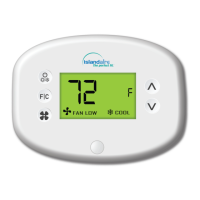
➤ Use the “Up” and “Down” buttons to change the Electric Heat setting
by changing the second digit;
0 No Electric Heat
1 * Electric Heat
➤ Press the “Fan” button to advance to the next setting;


 To Next Page