How to Use
5
How to Use – Controls
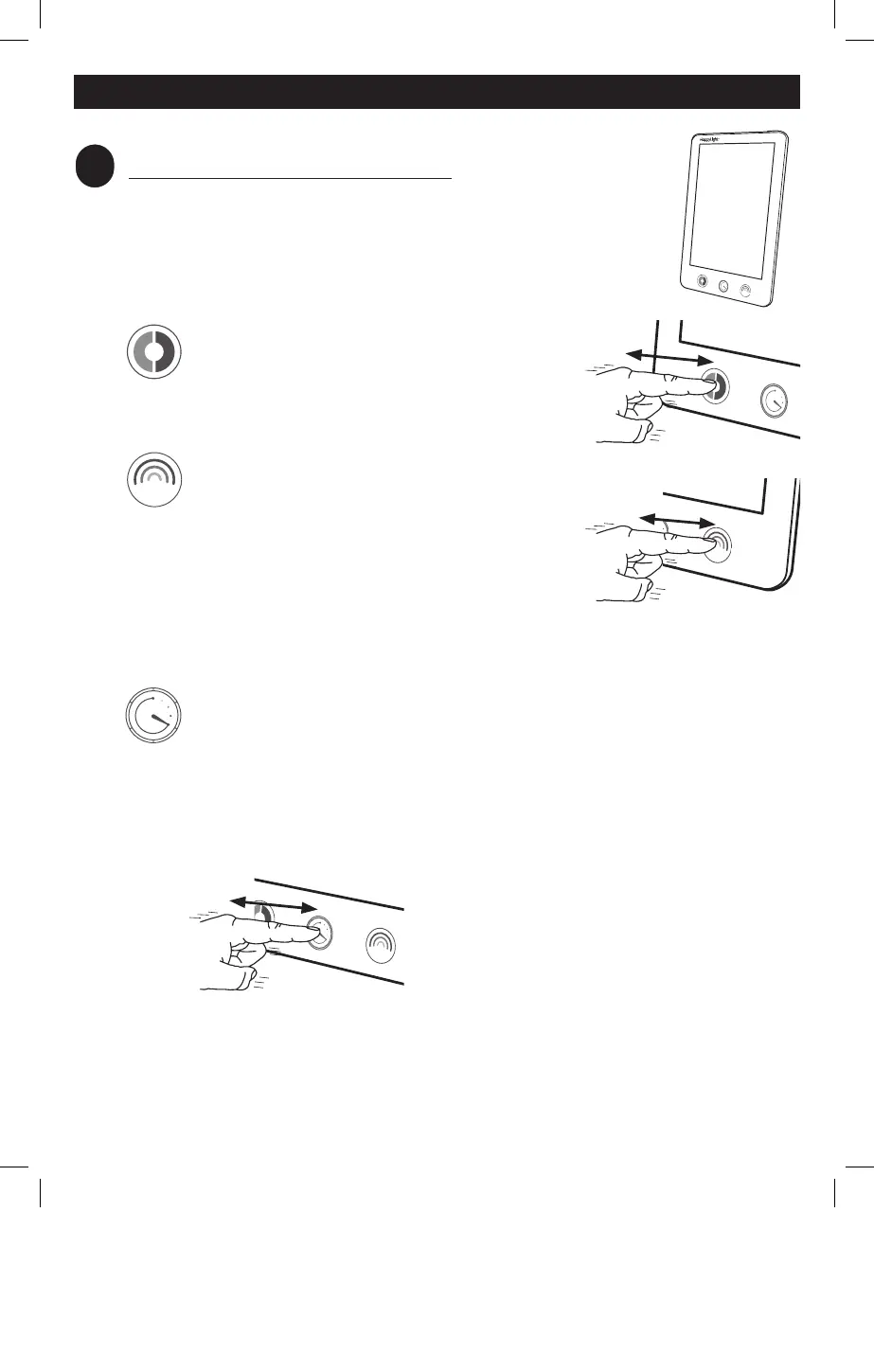
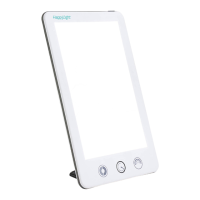
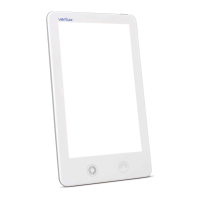
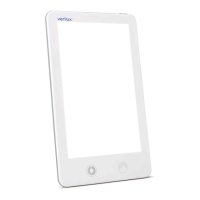
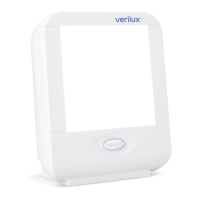
Touch controls have been added to your HappyLight
®
Therapy
Lamp so that you can customize your light therapy experience
for maximum comfort and results. For your convenience, your
selections are automatically saved when you turn off your light.
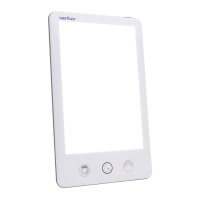
There are three controls:
HappyHue™ Color Selector
Use the left control to choose between two
different hues of white light for your comfort.
Each time you touch the control, your light will
rotate to a different color of white light.
1
Brightness
Touch the right control to choose between
three different brightness levels and to find
the level that is comfortable for you.
2
If you
find the brightest setting uncomfortable,
you can start with a lower setting and work
your way up to the full 10,000 lux over
multiple sessions. Increasing the brightness
will deliver your daily dose of healthy light more
quickly, which results in shorter light therapy sessions.
Countdown Timer
For your convenience, a countdown timer helps you keep track of the
length of your light therapy experience. You can set the countdown
timer while you engage in other activities (e.g., reading a book or
emails), and your light will turn off on its own once your light therapy
session is complete.
One Hour Quick Set
To set the countdown timer for a one-hour
session, quickly touch the countdown timer
control. The illuminated ring will turn on
indicating that a one-hour session has been
set.
1
Color temperature options are warm white (4,000K) and daylight (5,000K).
2
Brightness level options are 5,000 lux, 7,500 lux, and 10,000 lux.
6
VT42_MAN_Rev5-002.indd 6VT42_MAN_Rev5-002.indd 6 2/21/20 4:48 PM2/21/20 4:48 PM


 To Next Page