2
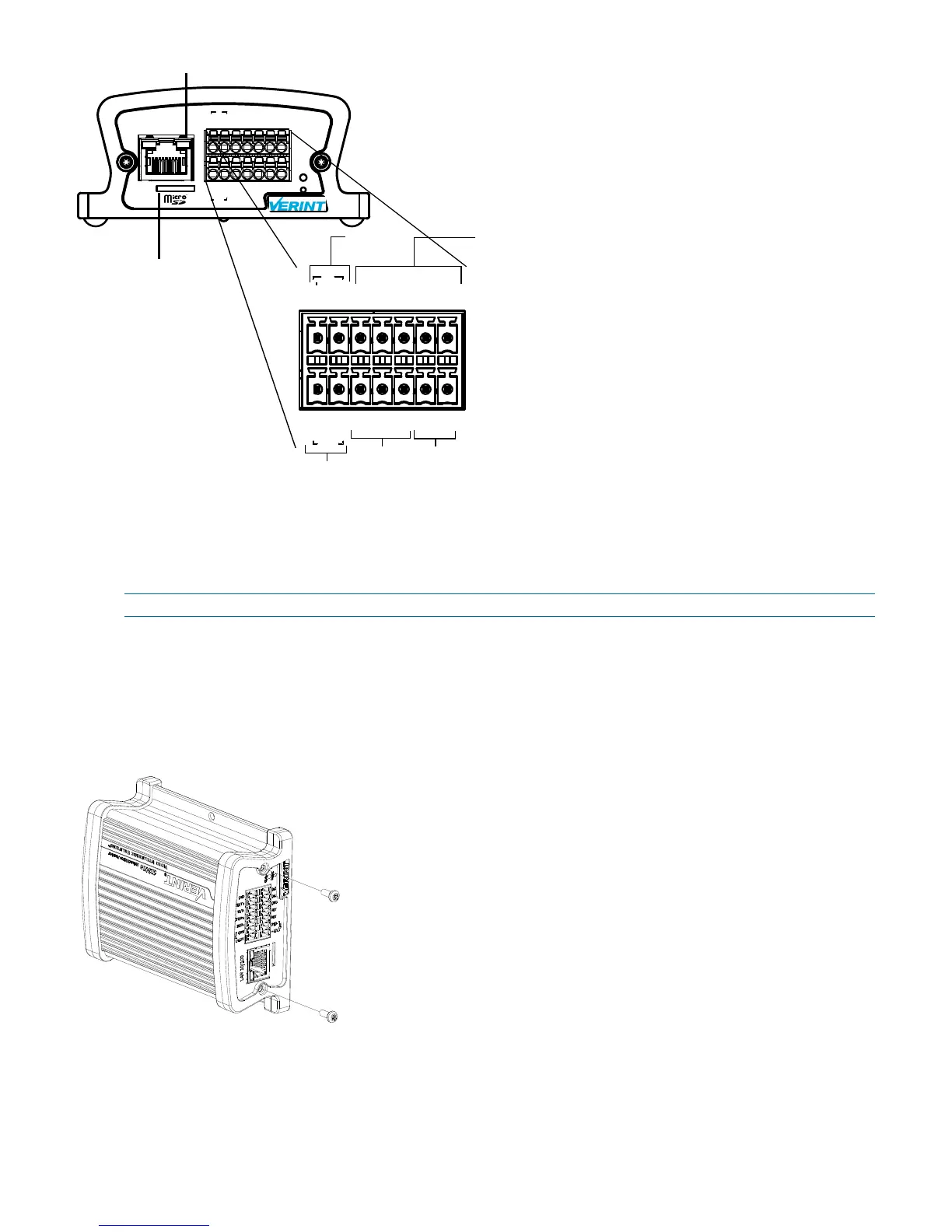
Nextiva S1800e Series Single/Dual-Port Rear View
Installing the Nextiva S1800e Series Device
This section explains how to install a Nextiva S1800e series device on a desktop or flat surface and mount
the device in a rack.
NOTE: This equipment must be used in compliance with local laws and regulations.
To install the Nextiva S1800e series device on a flat surface:
1. Remove any debris and dust from the surface as well as the surrounding area.
2. Place the device on the flat surface.
3. Ensure that you have access to both the front and rear of the device.
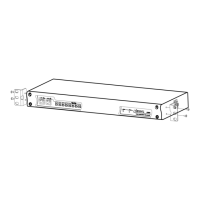
To install the Nextiva S1800e series device on a rack:
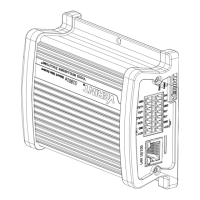
1. Remove the two screws from the Nextiva S1800e series device.
+12V
GND
RLY
In1
GND
In2
RLY
RX/R-
RTS/T+
TX/T-
CTS/R+
GND
GND
+12V
In
Out
LAN 10/100
+12V+12V
GNDGND
GND
GND
RLY
RLY
In1
In2
RX/R-
CTS/R+
RTS/T+
TX/T-
In
Out
Status
Reset
12V DC
Input
RS-232/422/485
Input
1 Relay
Output
2 Dry Contact
Inputs
12V DC
Output*
* Only available on the S1801e-POE
1 Network Connector (RJ-45)
1 MicroSD card slot
(available on Encoders)



 To Next Page