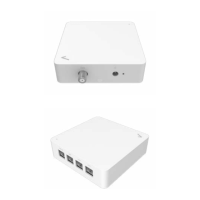
4. CONFIGURE YOUR STREAM TV MOCA ETHERNET ADAPTER
The Stream TV MoCA Ethernet Adapter works out-of-the-box without additional settings. If you want to change settings (such as the IP address), you can
configure via the device’s Web User Interface.
4.1 Log in the device’s Web User Interface
Make sure that the Stream TV MoCA Ethernet Adapter is properly connected to the home network (Please refer to section 3 on how to install your
Stream TV MoCA Ethernet Adapter).
1.
Find the IP address of the Stream TV MoCA Ethernet Adapter from the home router.
2.
Open a web browser and enter the Stream TV MoCA Ethernet Adapter’s IP Address in the address bar.
3.
The login dialog box is displayed.
4.
Enter the username and password.
Username:
admin
Password:
password can be found by scanning the QR code on your Stream TV MoCA Ethernet Adapter’s product label.


 To Next Page