19
verizon.com/fios | ©2019 Verizon. All Rights Reserved
/ CONNECTING YOUR FIOS
BUSINESS WIFI EXTENDER
4. The light on the extender should turn solid white within a few
minutes, indicating the connection is complete.
You’re all set! Your devices will connect automatically with the same
Wi-Fi network name and password as your Fios Business Router.
2.0b/ WIFI INSTALLATION
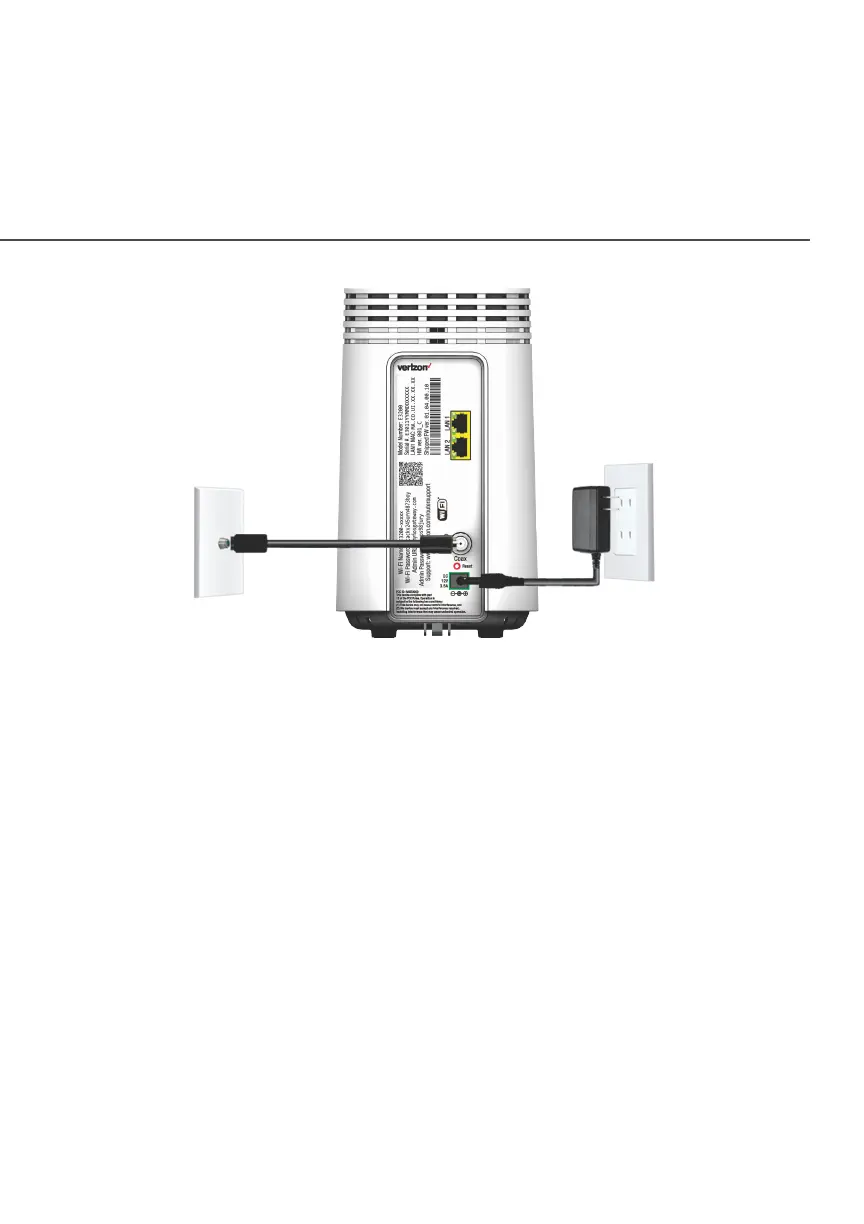
1. Place the Fios Business Wi-Fi Extender directly next to the
Fios Business Router.
2. Connect the power cord from the extender to an electrical
outlet.













 To Next Page