27
verizon.com/fios | ©2019 Verizon. All Rights Reserved
/ CONNECTING YOUR FIOS
BUSINESS WIFI EXTENDER
4. After pressing the unified button (WPS) on your Fios
Business Wi-Fi Extender, you have two minutes to press the
WPS button on the client device before the WPS session
times out.
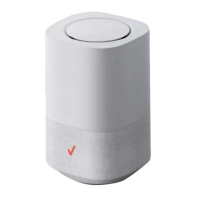
When the unified button (WPS) on your Fios Business
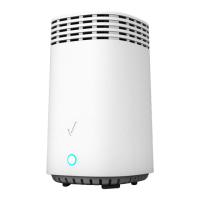
Wi-Fi Extender is pressed, the Status LED on the front of
your Fios Business Wi-Fi Extender begins flashing blue.
The flashing continues until WPS pairing to the client device
completes successfully. At this time, the Status LED turns
solid blue.
If WPS fails to establish a connection to a Wi-Fi client
device within two minutes, the Status LED on your
Fios Business Wi-Fi Extender flashes red for two minutes to
indicate the WPS pairing process was unsuccessful. After
flashing red, the light returns to solid white to indicate that
Wi-Fi is on.




 To Next Page