8
/ INTRODUCTION
http://setup.verizon.com/businessinternetgateway | ©2024 Verizon. All Rights Reserved
1.1b/ WPS
WPS is an easy way to add supported Wi-Fi devices to your network. Press
the WPS button on the back of the Gateway to activate WPS. You will need to
activate WPS on your Wi-Fi device too. Refer to “3.1d/ Wi-Fi Protected Setup
(WPS)” on page 40.
1.1c/ LEDS
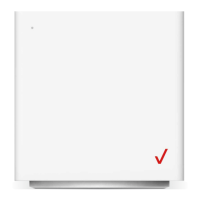
The LEDs indicate the system and connection status, and WPS activity.
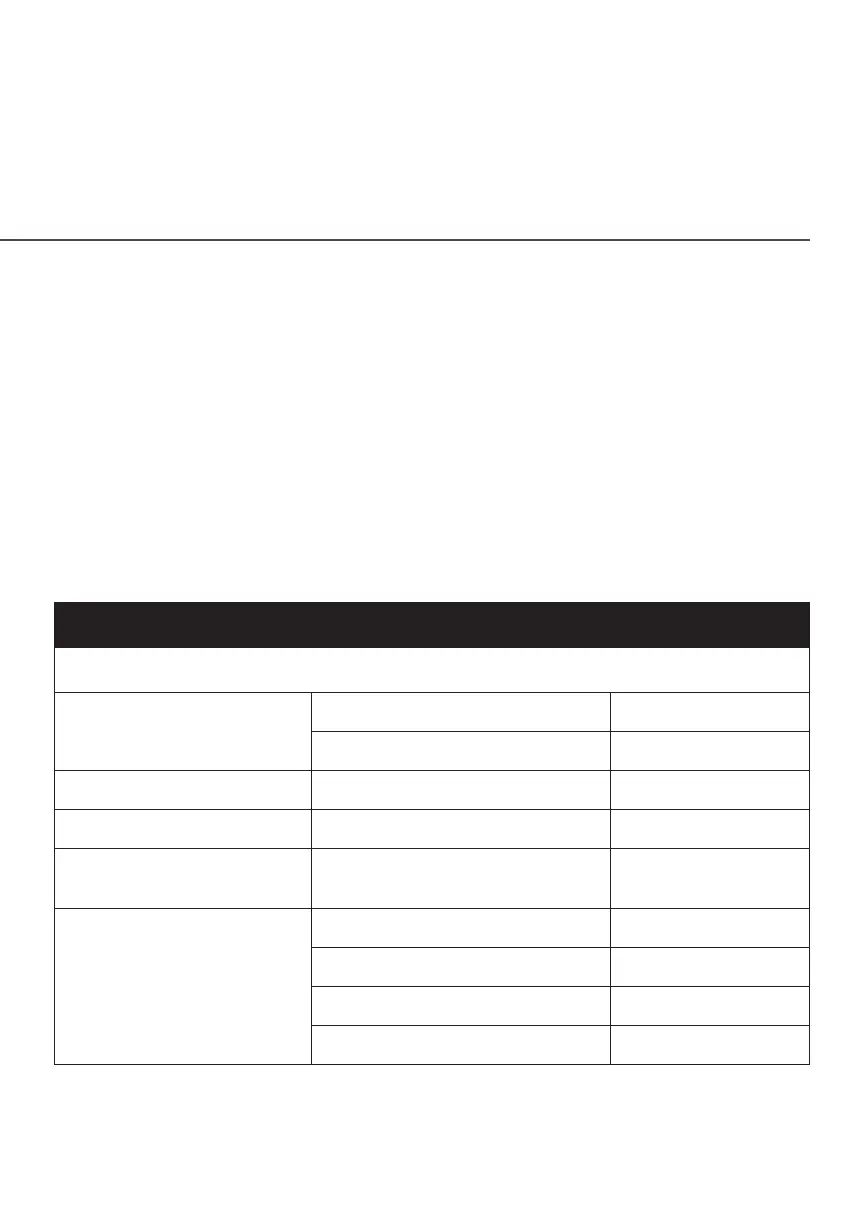
System LED
Front LED Mode Status LED Pattern
System Status (O)
Bootup
System booting Soft blink white
Firmware update Fast blink white
Regular usage mode Rest mode Solid white
Wired WAN connectivity In service Solid blue
IP Passthrough mode
IPPT ( IP Passthrough)
enabled
Solid green
Other
Factory reset Fast blink yellow
Hardware error Soft blink red
No SIM card Hard blink red
No signal Solid red




 To Next Page