
 Need help?
Do you have a question about the Verizon orbic speed RC400L and is the answer not in the manual?
Identifies all external buttons, ports, and indicators on the Mobile Hotspot.
Explains the meaning of various status icons and screen displays.
Provides instructions and safety information for charging the device.
Guides users through connecting to the Wi-Fi network.
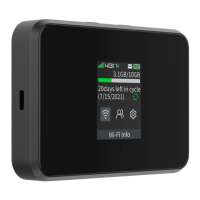
Explains the elements displayed on the Mobile Hotspot's home screen.
View detailed device information such as ICCID, MDN, and version.
Access and configure settings for 2.4GHz and 5GHz Wi-Fi bands.
 General
| Type | Mobile Hotspot |
|---|---|
| Network Technology | 4G LTE |
| Wi-Fi Standard | 802.11ac |
| Ports | USB Type-C |
| Security | WPA2 |
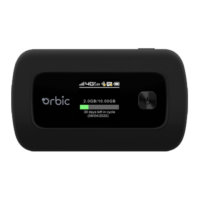
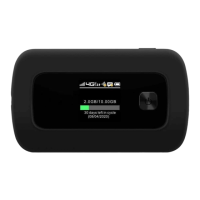
| Model | Orbic Speed RC400L |
| Wi-Fi Bands | 2.4 GHz, 5 GHz |
| Display | LCD |











 To Next Page