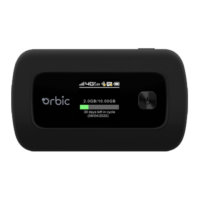
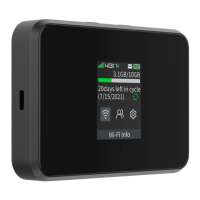
12 13
Turning your Mobile Hotspot
On and Off
• To turn your Mobile Hotspot on, press and hold the Power button for 2 seconds
• To turn it off, press and hold the Power button for 3 seconds
• To wake the Mobile Hotspot display, press and release the Power button.
Setting Up Wi-Fi Connection
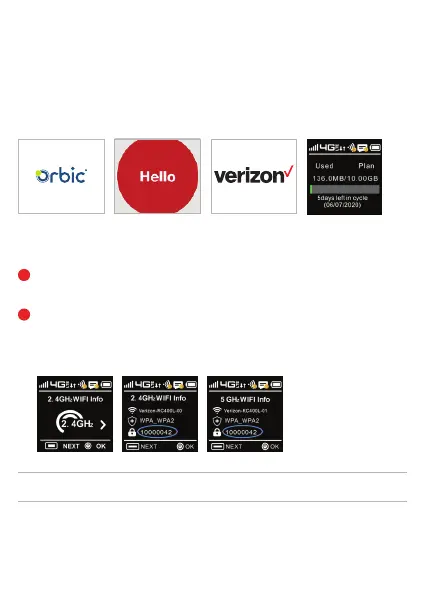
Press and hold the “power” button for 5 seconds until the welcome logo is displayed
on the Screen, and Wi-Fi is on.
Use your terminal device to search for the wireless network connection with
the Wi-Fi’s SSID “Verizon-RC400L-XX” and click “Connect”. Enter PASSWORD.
The Password can be found by going to the 2.4GHz WIFI info or 5GHz WIFI Info
screen. The password is displayed next to the lock icon.
1
2
IMPORTANT!
Charge the battery completely before you connect your computer to your Mobile Hotspot.

 To Next Page
 Loading...