15
Camera Key – Press to access camera
viewfinder mode or to take a picture.
Note: Please hold the phone sideways
when you take pictures, so that the taken
pictures saved in your phone are shown
in the vertical orientation.
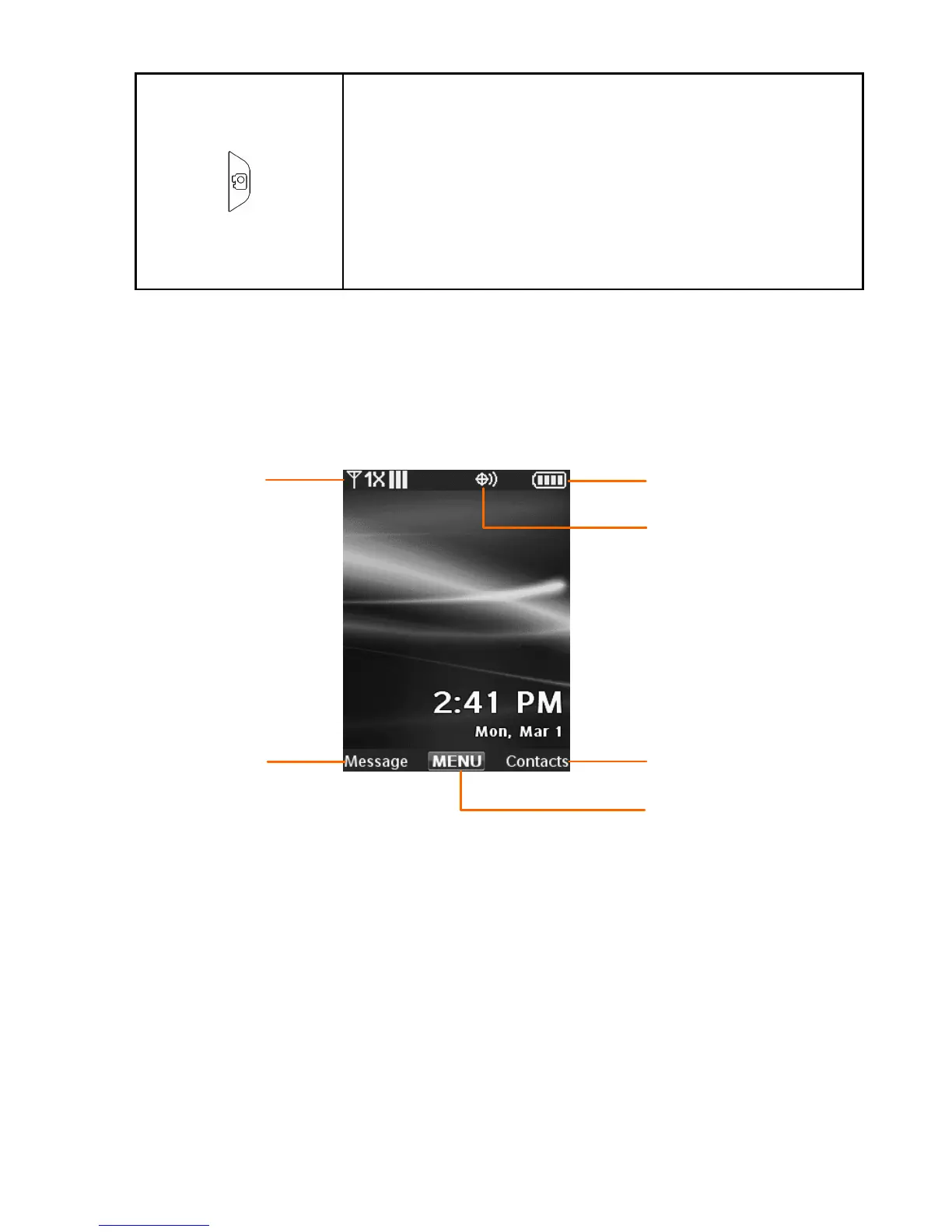
Idle Mode
The start screen indicates that your device is in Idle
Mode.
1. Signal strength — The strength of the signal received
by the device is indicated by the number of bars
displayed.
2. Message — Press the Left Soft Key to select this option.
3. MENU — Press the OK Key to select this option.
4. Contacts — Press the Right Soft Key to select this
option.
1
2
5
4
3
6















 To Next Page