EasyManua.ls Logo

Verizon Salute - Text Input Modes

Verizon Salute
155 pages
Print Icon
To Next Page IconTo Next Page
To Previous Page IconTo Previous Page
Loading...
43
Key
Function Description
~
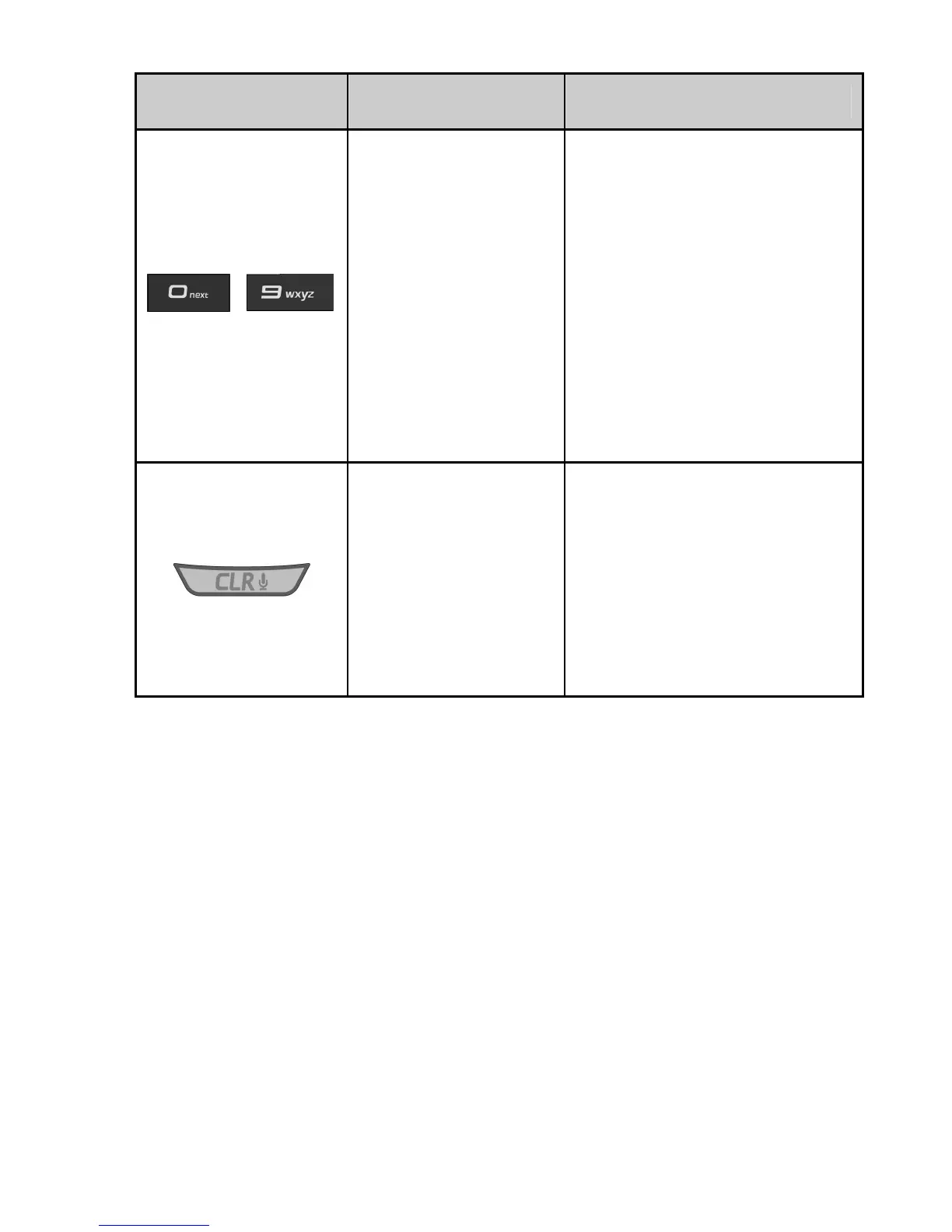
Alphanumeric
Keys
Enter characters 0 - 9
and letters from a - z.
In word and alphabetic
mode, press the ‘1’
Key to enter usual
punctuation marks
and symbols; In word
mode, press the ‘0’
Key to change to other
matching words.
CLR Key
Press to delete the
previous character
during text entry.
Press and hold the
CLR Key to erase an
entire word or
character string.
Text Input Modes
During text entry, the current input mode is indicated
above the Left Soft Key (Abc is the default).
Press the Left Soft Key to select the input mode.
Press the Left Soft Key and select Symbols or
Quick Text to enter the symbols or add pre-stored
quick texts.

Table of Contents

Related product manuals