44
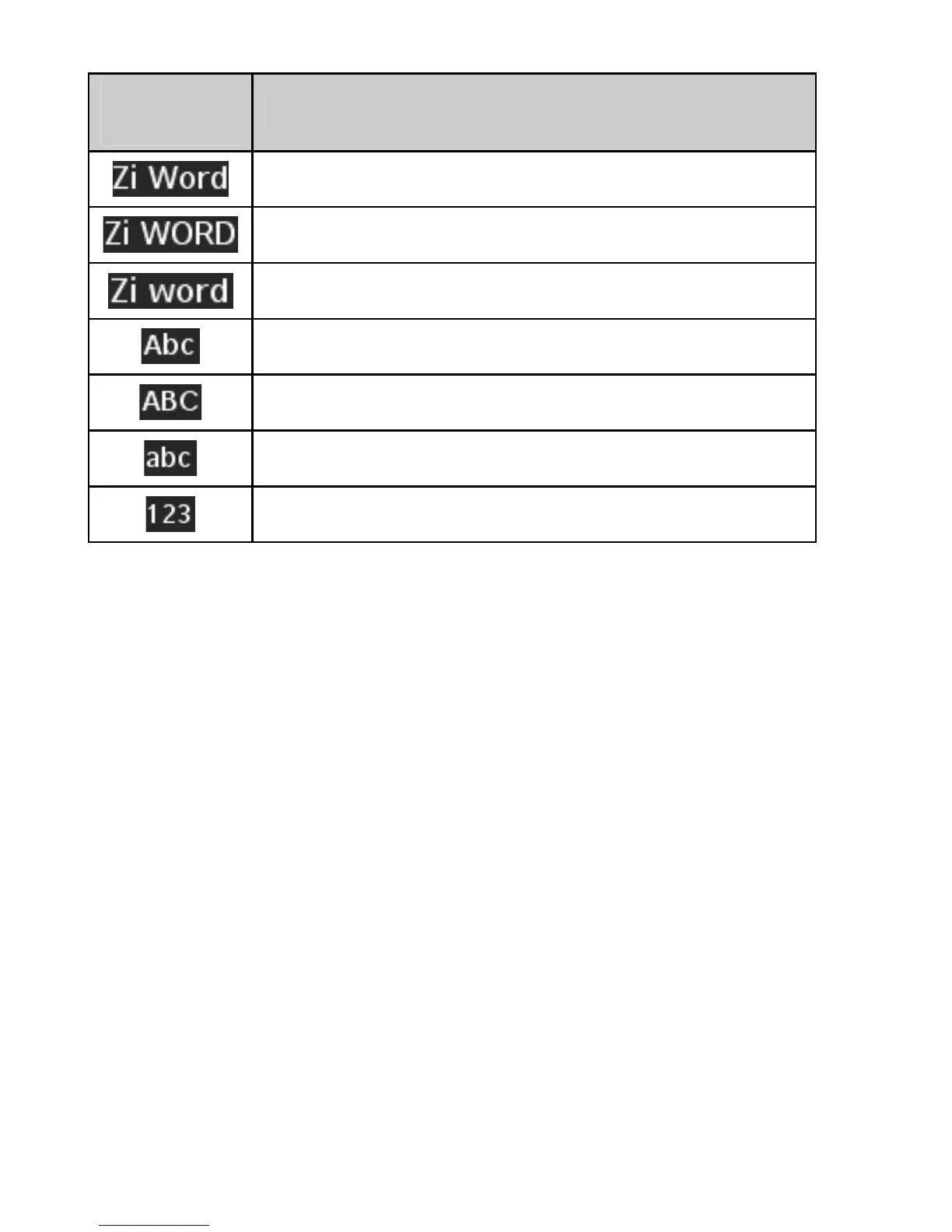
Display
Symbol
Text Entry Mode
English Standard Word predictive mode
English Uppercase Word predictive mode
English Lowercase Word predictive mode
Standard Alphabetic mode
Uppercase Alphabetic mode
Lowercase Alphabetic mode
Numeric mode
Enter Text Using Word Mode
Word mode allows you to input messages or text quickly
with the built-in predictive dictionary.
1. To activate Word Mode from the text entry field, press
the Left Soft Key, scroll to Zi Word, and press the
OK Key.
2. Enter the first few letters of your word with the keypad.
3. To display proposed matches, press the '0' Key until
the appropriate word is displayed.
4. When the desired word is displayed, press the # Key
to confirm and insert a space.
Note: In Zi Word mode, press the * Key to switch among
uppercase, lowercase and standard word modes.
In standard word mode, the first letter of a new sentence
will be capitalized automatically.















 To Next Page