Installation
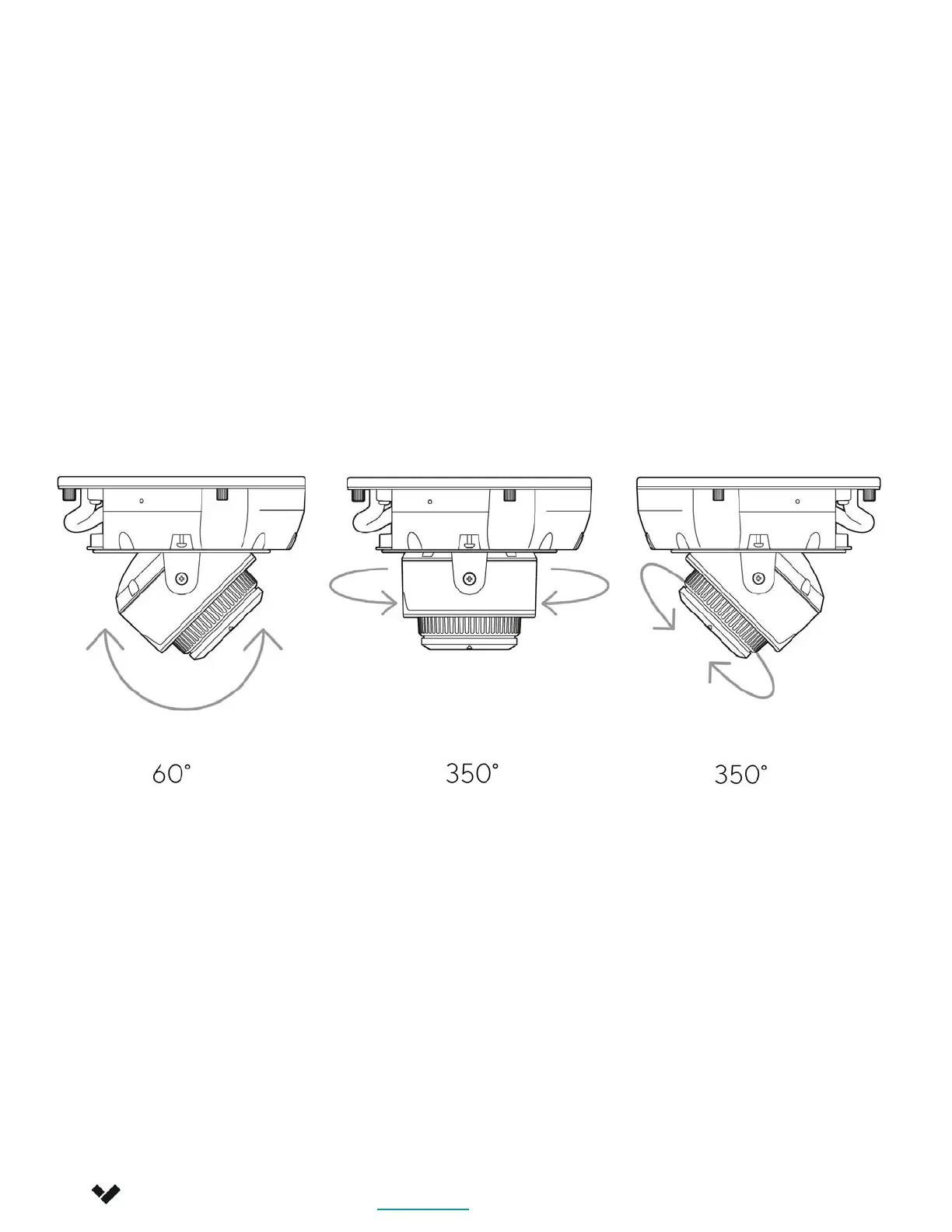
Adjust
Note
Adjust your camera to the desired viewing angle. Use the online stream to
confirm image orientation.
Image can be flipped 180˚ online in Command.
Default image orientation is indicated by markings on the lens face. Video
orientation is also adjustable from within the Verkada application.
Verkada Inc. 405 E 4th Ave, San Mateo, CA 94401
Verkada Inc. 405 E 4th Ave, San Mateo, CA 94401
sales@verkada.com
All specifications are subject to change without notice
Copyright © Verkada Inc. All rights reserved.
10


 To Next Page