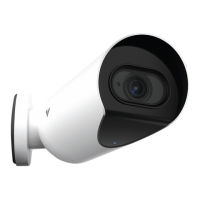
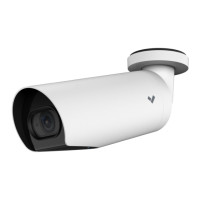
Introduction
Camera Details
Verkada Inc. 405 E 4th Ave, San Mateo, CA 94401
Verkada Inc. 405 E 4th Ave, San Mateo, CA 94401
sales@verkada.com
All specifications are subject to change without notice
Copyright © Verkada Inc. All rights reserved.
Placement
Mount the camera on a wall or ceiling. Try to
keep the camera 8 to 10 feet above the ground.
For best night vision, avoid overhangs or
obstructions. These may reflect the camera’s IR
illumination and reduce the image clarity in
night mode.
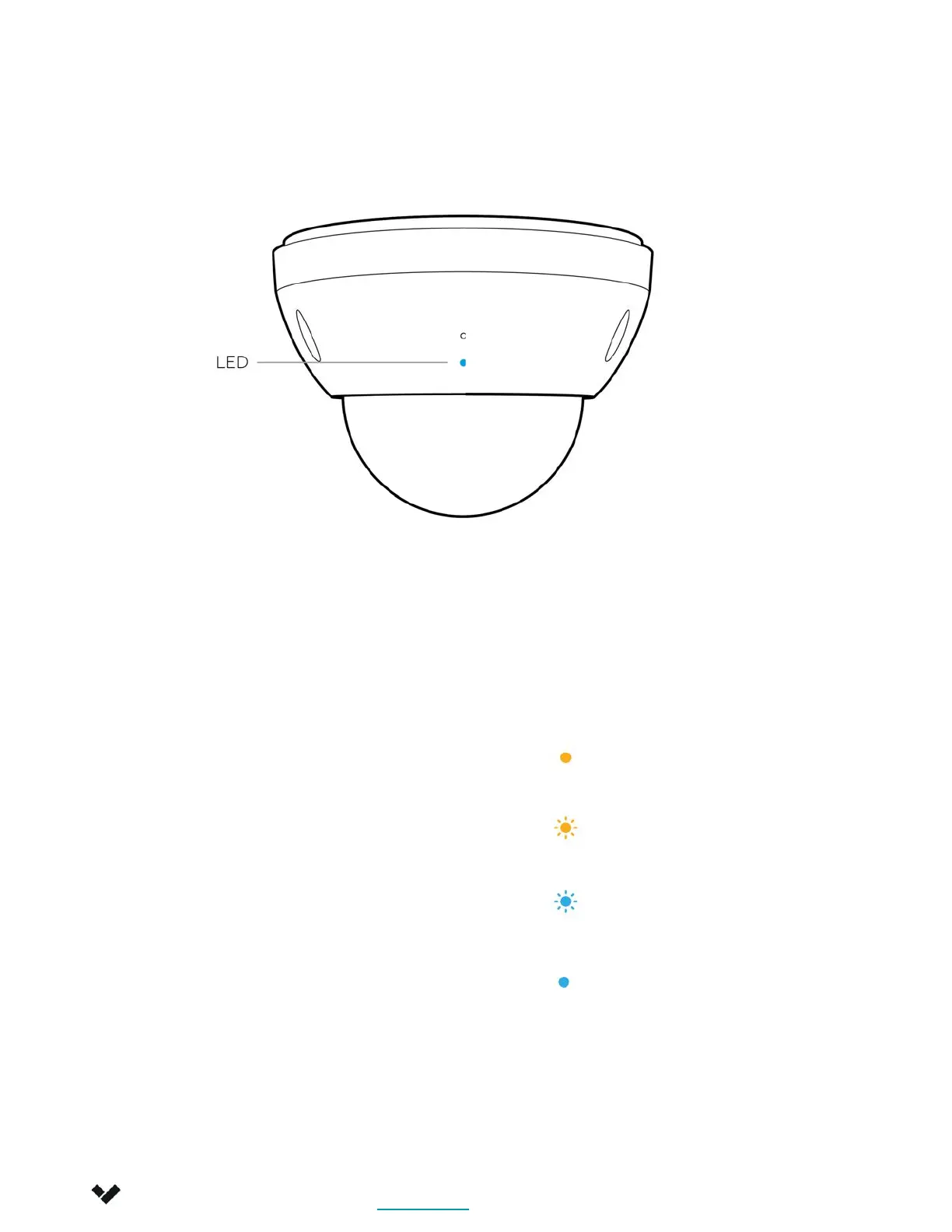
LED Behavior
Solid Orange
Camera is on and booting up.
Flashing Orange
Camera is updating firmware.
Flashing Blue
Camera is recording data but
cannot reach the server.
Solid Blue
Camera is running, connected,
and recording data.
4


 To Next Page