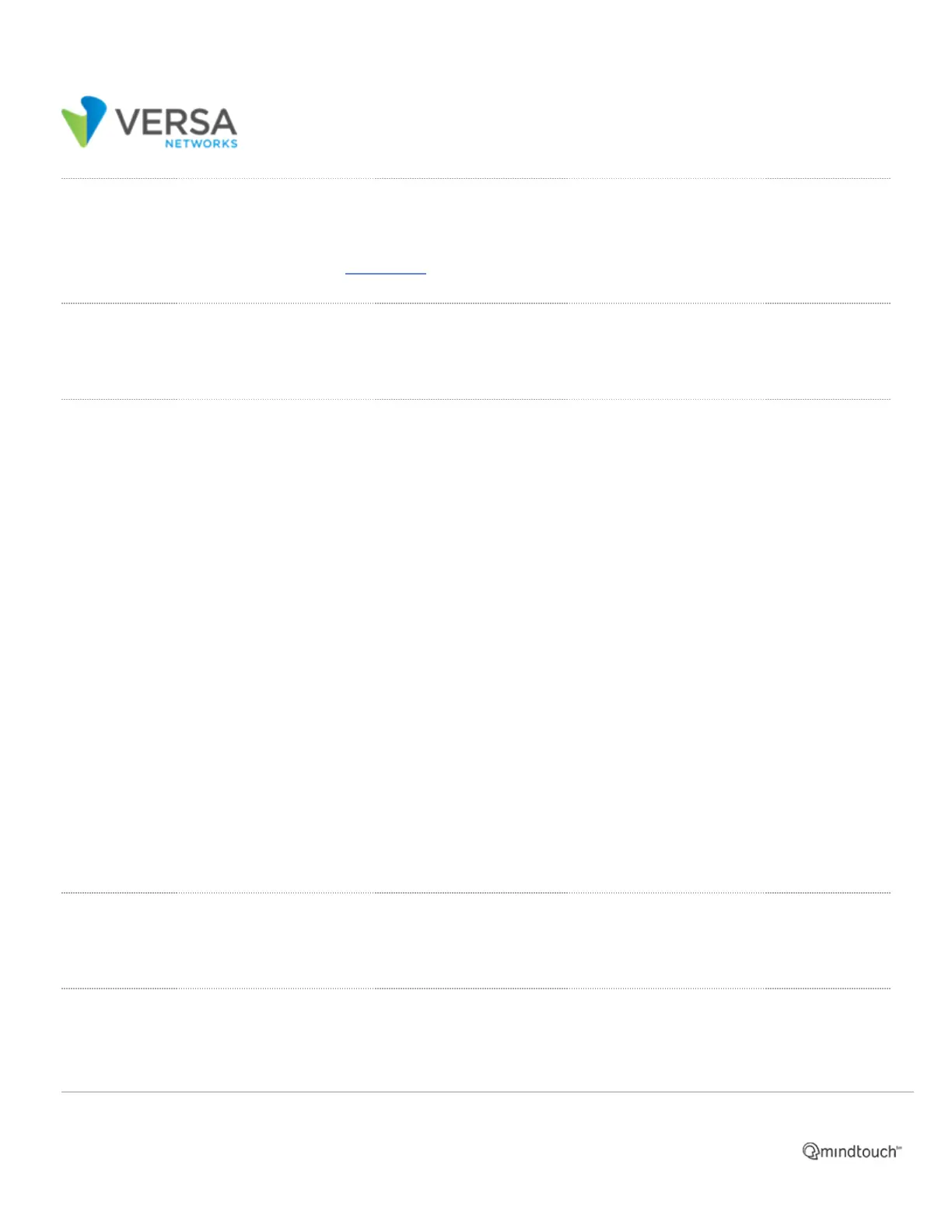
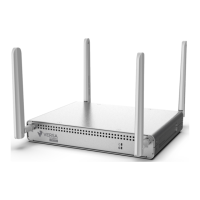
Front and Rear Panel Components
This article describes the front and rear panel components of a CSG300 series appliance. For the exact location of
these components on the appliance, see At a Glance.
Front Panel
The front panel of a CSG300 series appliance has two status LEDs.
LEDs
Table 1 lists the LEDs, their colors and states, and the status they indicate.
Table 1: Front Panel LEDs in a CSG300 Series Appliance
LED Color Status
Power Green
• Off: Appliance is not powered on.
• Green: Appliance is powered on.
Status
Green,
Red
• Off: Appliance hardware is up, but there is a problem with the software.
• Solid green: Appliance is up and running.
• Blinking green: Appliance is in the process of booting up.
• Red: Major error condition exists in the system or there is a corrupt software
configuration.
• Blinking red: System crash, overheating, or a persistent error condition exists.
Rear Panel
The rear panel of a CSG300 series appliance has power and reset buttons and six status LEDs.
LEDs
The rear panel of a CSG300 series appliance has six LEDs located in two rows.
https://docs.versa-networks.com/Hardware/Cloud_Services_Gateway_300_Series/Components_and_Specifications/02_Front…
Updated: Wed, 01 Apr 2020 18:52:43 GMT
Powered by
1



 To Next Page