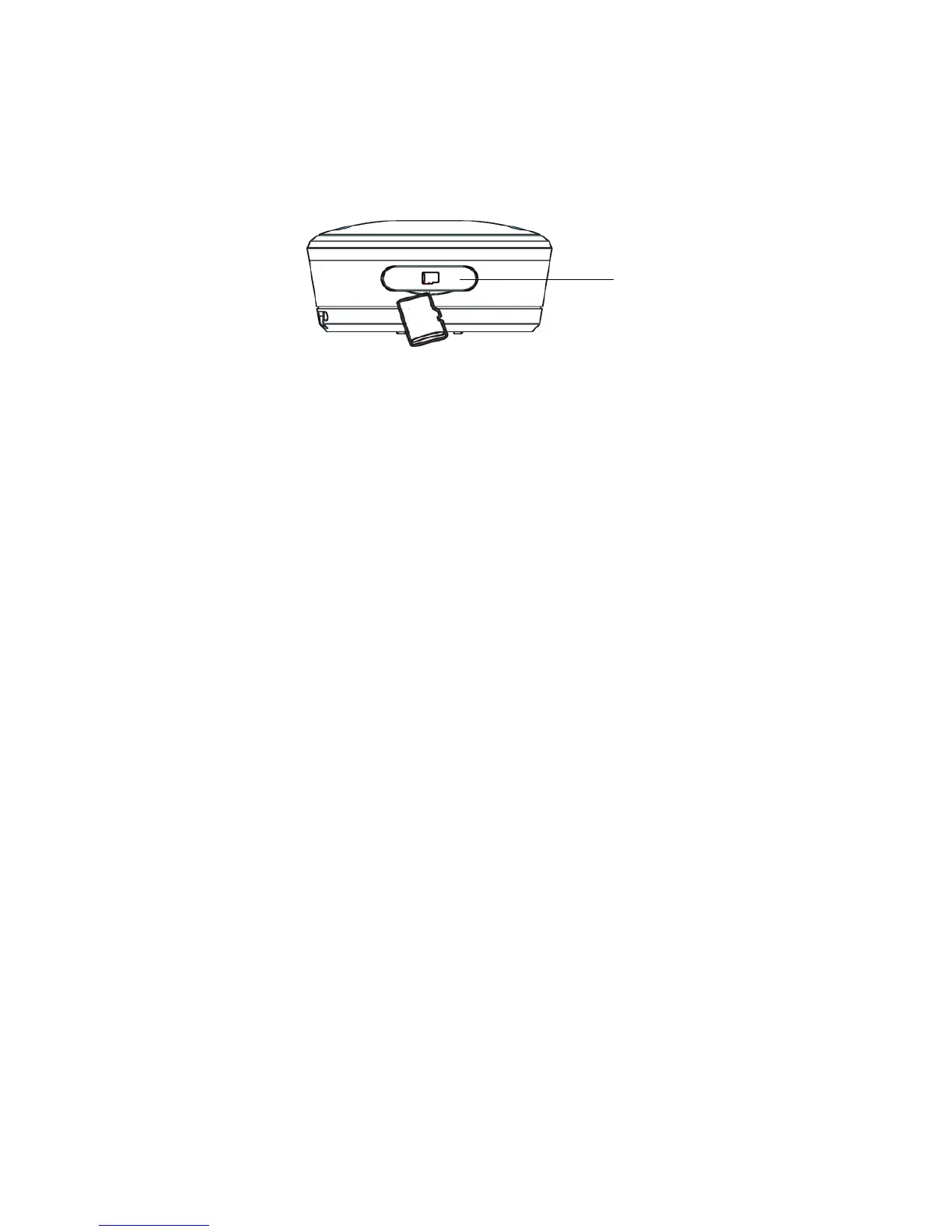
9 Insert microSD Card (not included)
en
9. Insert microSD Card (not included)
Your Camera supports microSD cards with storage
capacities of up to 32GB.
1. Remove the waterproof cover, then insert a
microSD card with the gold-plated side facing
down into the card slot.
2. To remove the microSD card, push the card in to
eject it.
Note:
The Camera will stop recording automatically and
issue a voice prompt to warn you when the memory
card is full.
The memory available will be displayed on the top
right corner of the Viewfinder screen.



 To Next Page