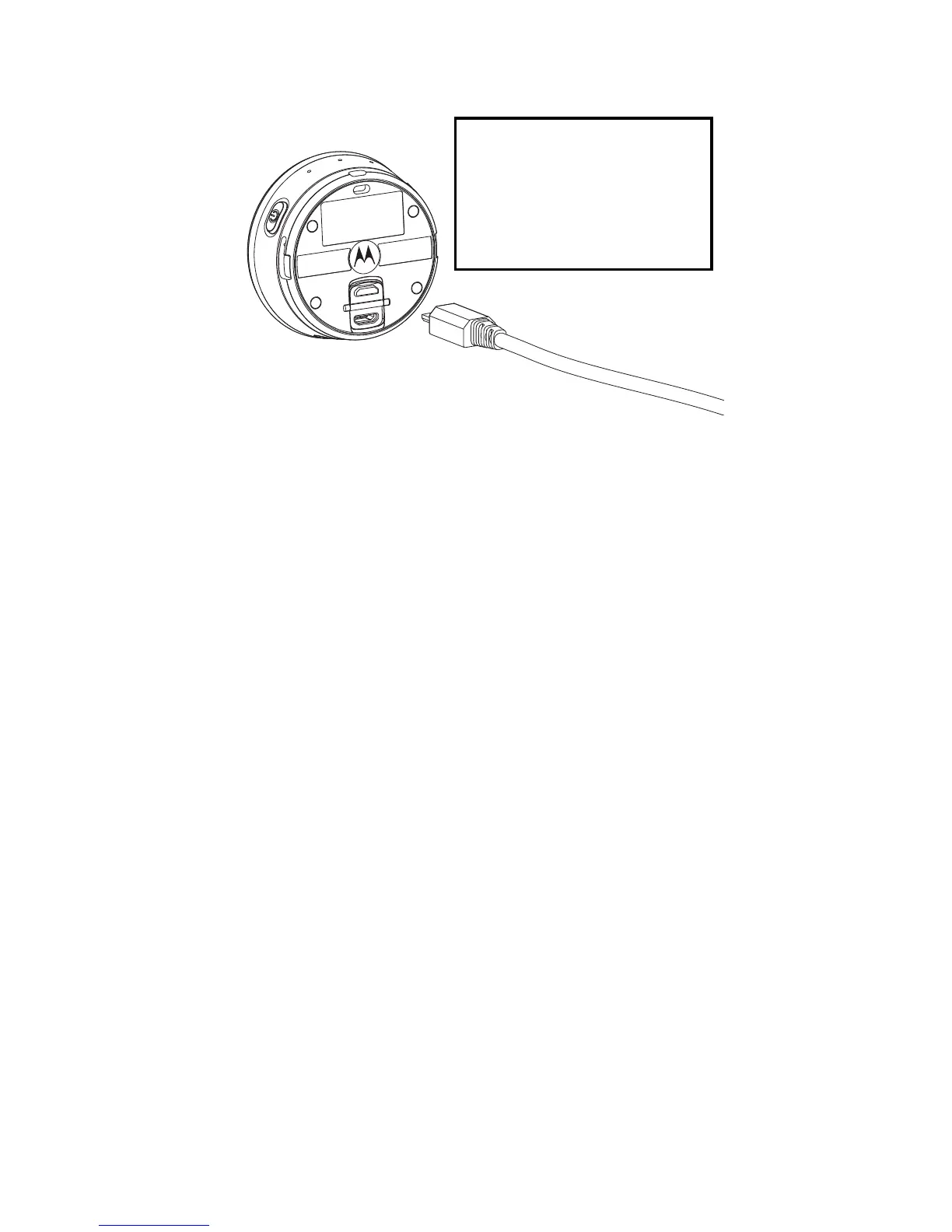
5 Charge the Battery
en
5. Charge the Battery
Connect the power adapter to a mains power
socket and insert the plug into the micro-USB socket
on the underside of the Camera. Only use the
power adapter (5V 1A) with the micro-USB plug.
Note: If the Camera is OFF, the LED indicator lights
up in red when charging and goes off when the
battery is fully charged.
It takes about 6 hours to fully charge the battery for
the first time.
You can continue to take photos or record videos
when the Camera is charging.
The Camera will issue a voice prompt to warn you
that it is powering off when battery is low.
5.1 Check Battery Status
You can check the battery status of the Camera
from Hubble Connect for VerveCam app. The
battery status icon is shown on the top right corner
of the Viewfinder screen.



 To Next Page