5. Blast Freezing Shortcut button (Except
BF100)
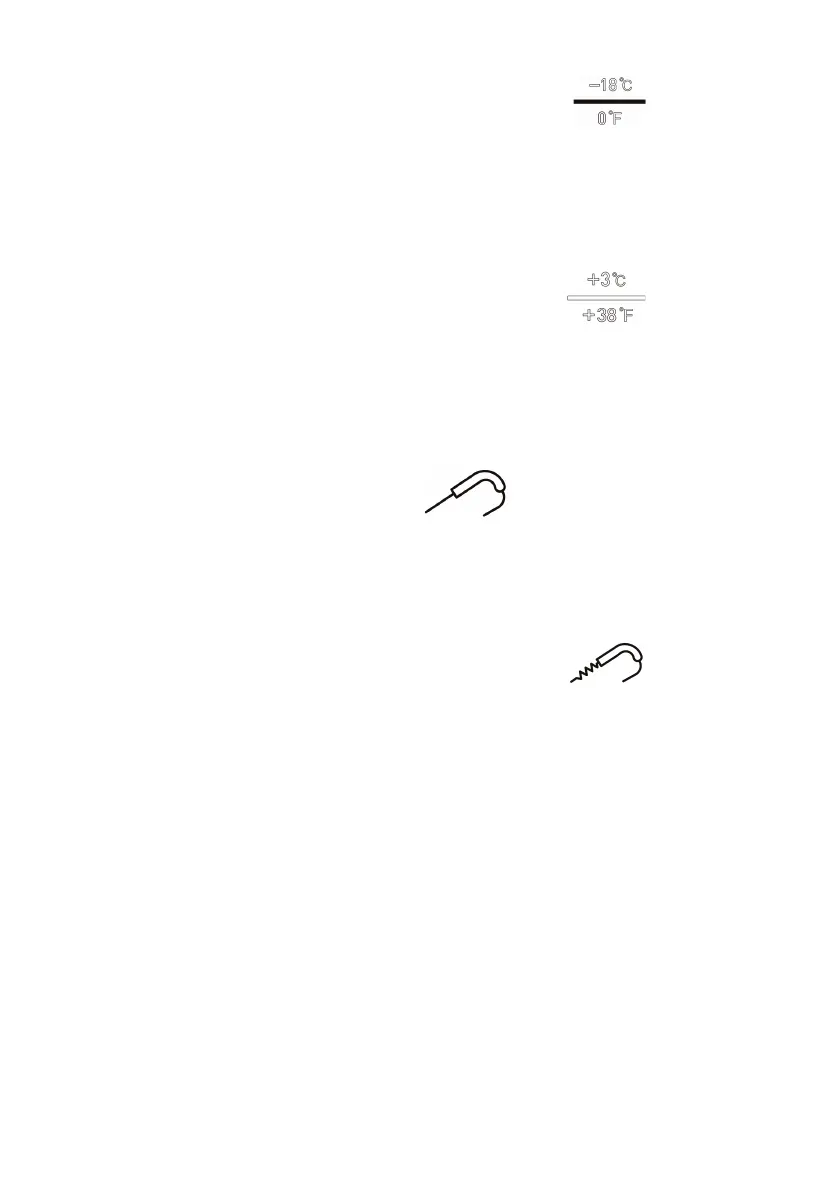
Press this shortcut button to set the temperature to -18°C/0°F
and the timer to 04:00.
6. Blast Cooling Shortcut button (Except
BF100)
Press this shortcut button to set the temperature to 3°C/38°F
and the timer to 1:30.
7. Food Probe button
When the food probe is inserted into the food, press this
button to toggle between displaying the temperature inside
the food or inside the cabinet.
8. Food Probe Heating button (Except
BF100)
To ease the removal of the food temperature probe from
frozen items, press the Food Probe Heating button to warm
the probe, allowing it to be gently twisted and pulled to
extract once the cycle has completed.
Precautions on the Use of the Food Probe
• The tip part (A) of the food probe is a temperature sensor.
To ensure accurate temperature readings of the food
item, be sure the tip is fully inside the food item.



 To Next Page