SETTING MILES/HOUR OR KILOMETERS/HOUR
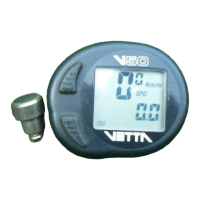
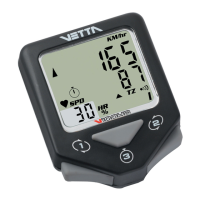
The Vetta V-30 computer is capable of being programmed to display readouts in
either miles or kilometers.
STEP 1
After installing the battery, the computer will momentarily display a diagnostic
test pattern screen and then advance quickly to the miles or kilometers setting
mode indicated by a flashing “Km/hr” icon.
STEP 2
Insert the head unit into the handlebar mounting bracket and place the
magnet directly on the wheel sensor. Miles and kilometers icons will be
displayed alternately on the screen.



 To Next Page