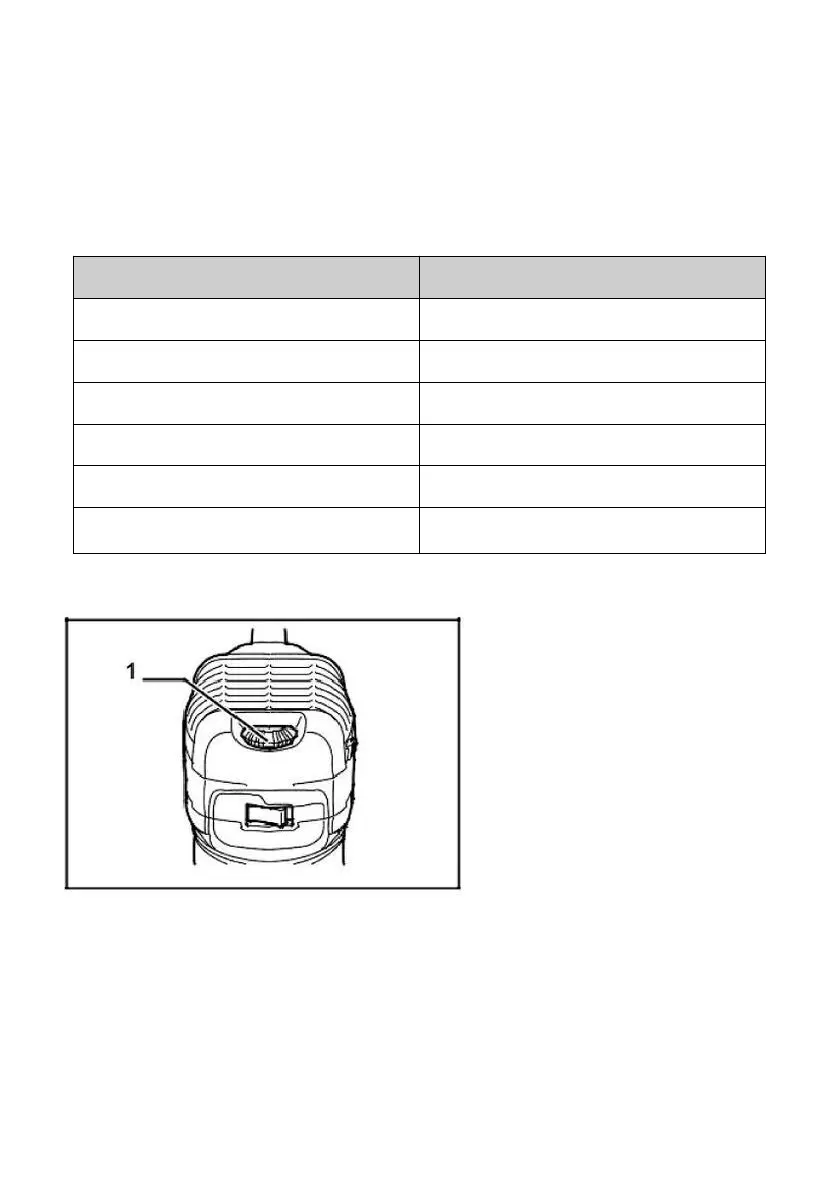
This allows the ideal speed to be selected for optimum material
processing, the speed can be correctly adjusted to suit the material
and bit diameter. Refer to the table for the relationship between the
number
settings on the dial and the approximate tool speed.
Installing or removing trimmer bit
Insert the bit all the way into the collect cone and tighten the collect nut
security with the two wrenches or by pressing the shaft lock and using the
provided wrench, lb remove the bit, and follow the installation procedure in
reverse.


 To Next Page