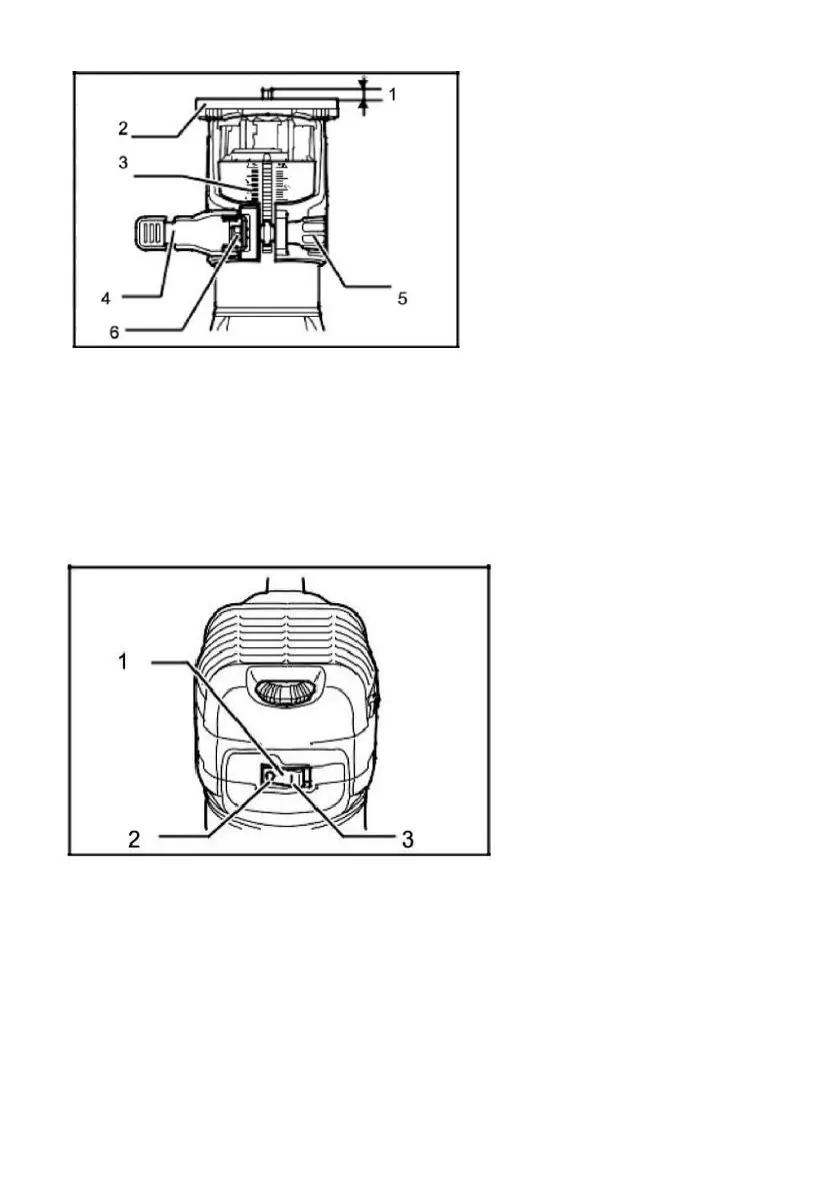
Switch action
To start the tool, press the ON (I) "side of the switch.
To stop the tool, press the OFF(0)" side of the switch.
Speed adjusting dial
The tool speed can be changed by turning the speed and adjusting
the dial to the given number setting from 1 to 6. Higher speed is
obtained when the dial is turned in the direction of number 6. And
lower speed is obtained when it is turned in the direction of number 1.


 To Next Page