3.Start counting
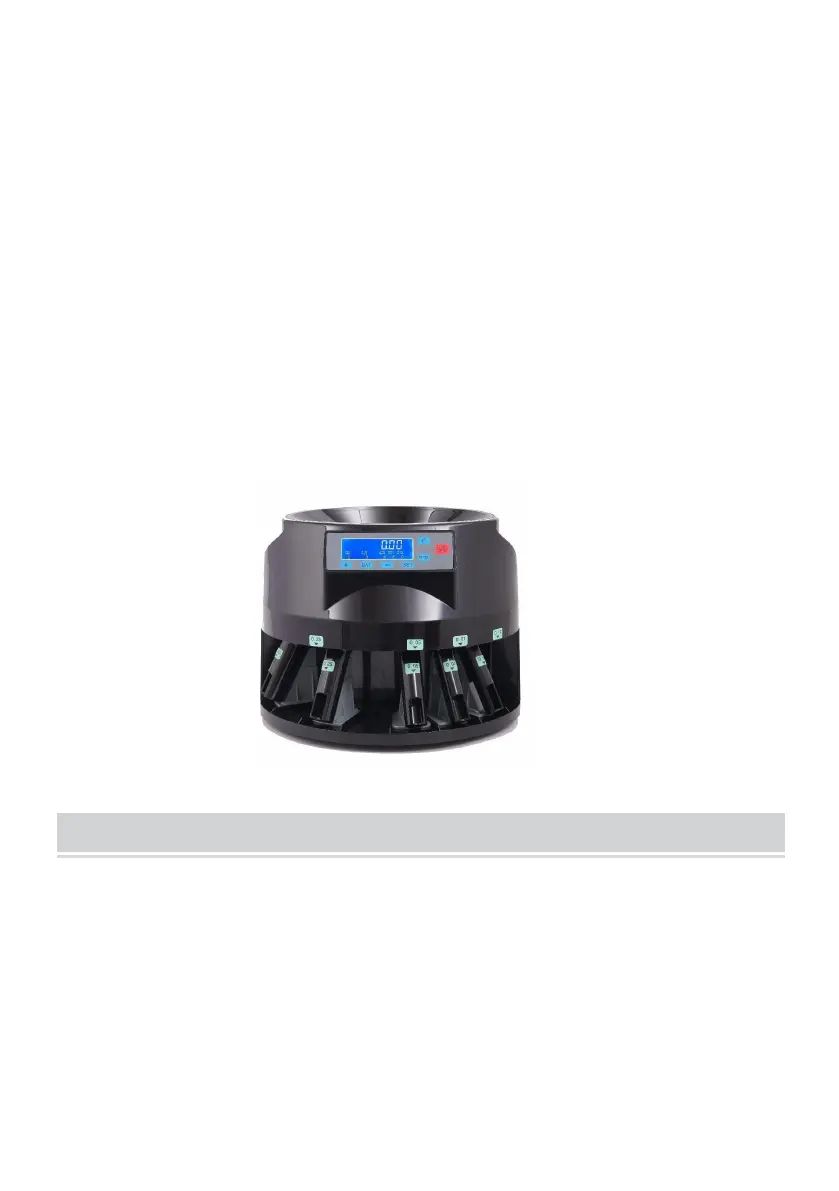
Put coins in the hopper,and press the “START/STOP”key to start counting.
Press the “START/STOP” again to stop the counting.
4.Check the report
Press the “REPORT” key circularly when the machine in standby state can check
the counting results of each channel. Press the “C” key can exit this checking
procedure.
Coin tube attachments
1.This machine allows you to use coin tube attachments, after sorting, you can wrap
the coins with standard paper rolling wrappers.
2.The operation is the same as above.
WARNING!
TURN OFF THE MACHINE AND UNPLUG THE POWER BEFORE THE
FOLLOWING MAINTENANCE!
1. Foreign objects falling into the hopper will cause jamming or even damage the
machine! Please avoid the foreign object falling in.
As the following shown, to remove the foreign object, just open the back Cover
and pick out the foreign object.


 To Next Page