NOTE: The cutting line will wear faster and require more feeding if the cutting or
edging is done along sidewalks or other abrasive surfaces or if heavier weeds are
being cut.
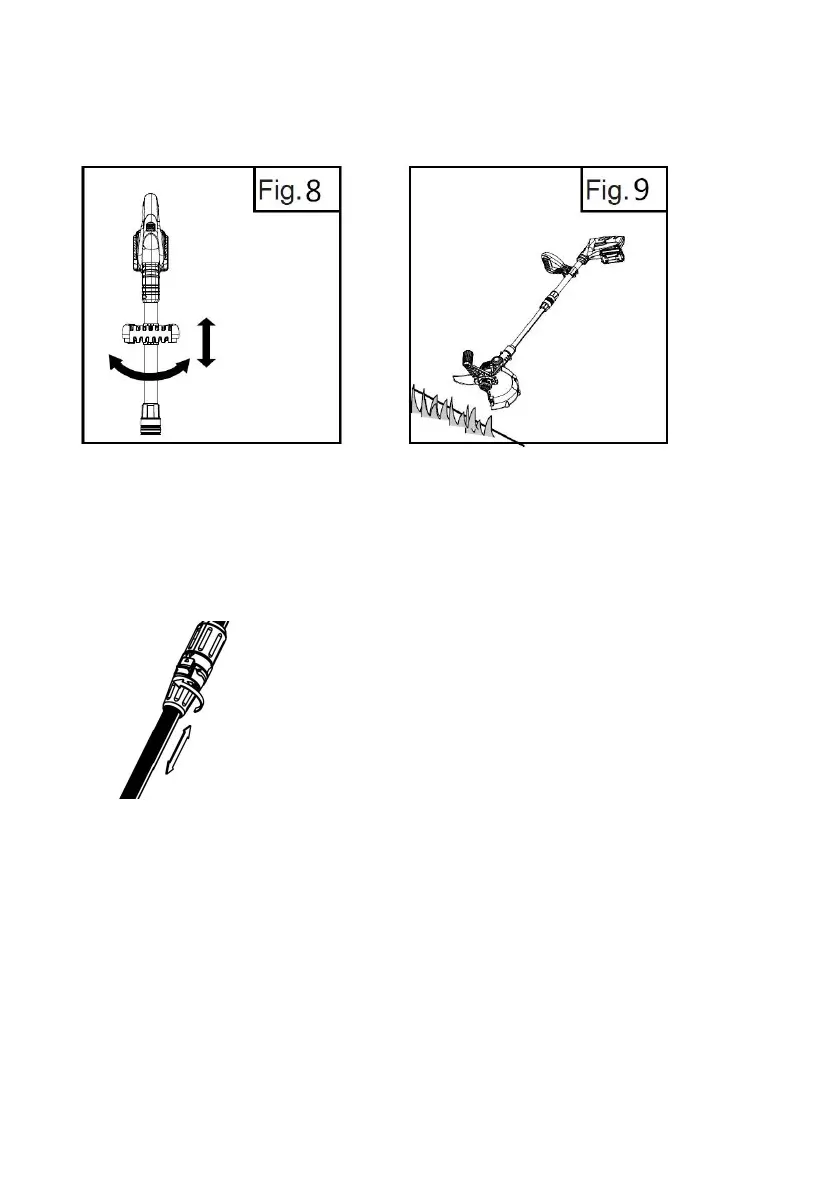
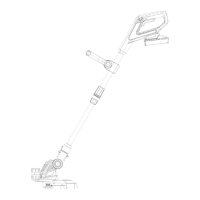
Setting the handle length
Turn the lock sleeve towards the 'unlock' symbol about half a turn. Slide the lower
part of the trimmer up or down to the desired length. Lock it in position by turning
the lock sleeve towards the 'lock' symbol.
unlock
Fig.10
3. Adjusting the cutting head (Fig. 11)
-Push the Head Rotation Pedal to rotate the cutting head to cut the grass under a
bush or tree.
-Push the Head Rotation Pedal to rotate the cutting head back to the trimming
position.


 To Next Page