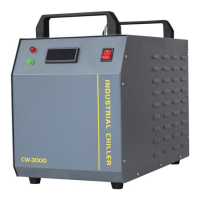
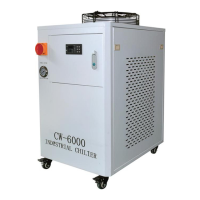
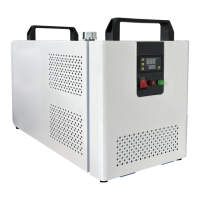
4.2 description of instrument keys:
Set function key shift key ▼ decrease key ▲ increase key
4.3 setting of temperature parameters:
Press the setting function key "set" to enter the setting state of the temperature
setting value. At this time, the last value of the setting temperature "SV" on the
display screen flashes. First press the shift key, then press the plus or minus key to
set the working temperature you need, and then press the setting function key
"set" once. At this time, the last value of the timed shutdown time (min) "0000" on
the upper right corner of the display screen flashes. If it is not necessary to keep
the default "0000" regularly, Press the setting function key "set" again to exit the
parameter setting and save the parameter setting value(PV). At this time, the
display "PV" shows the temperature of the liquid medium in the current tank.
5. After the temperature parameter setting is completed, first open the "circulate"
button on the operation panel, and then open the "refrigeration" button (Note:
when the working temperature exceeds 40 ℃, the compressor automatically
enters the protection, and the refrigeration does not start), and then the
microcomputer enters the automatic control state.
Packing list
1. Instructions * 1
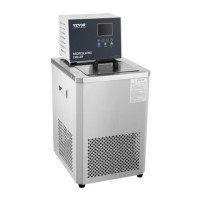
2. Device host *1
3. Silicone tube * 1
4. Insulation pipe * 2
5. Flow control valve * 1
6. Fuses * 2
7. Cover plate * 1
8. Power cord * 1


 To Next Page