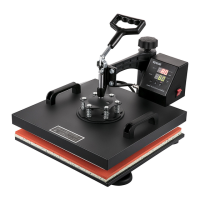
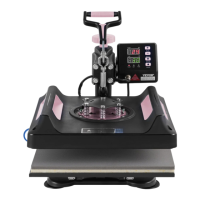
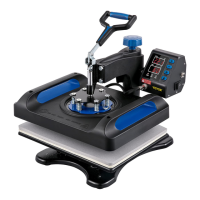
SETTING TEMPERTURE & TIME
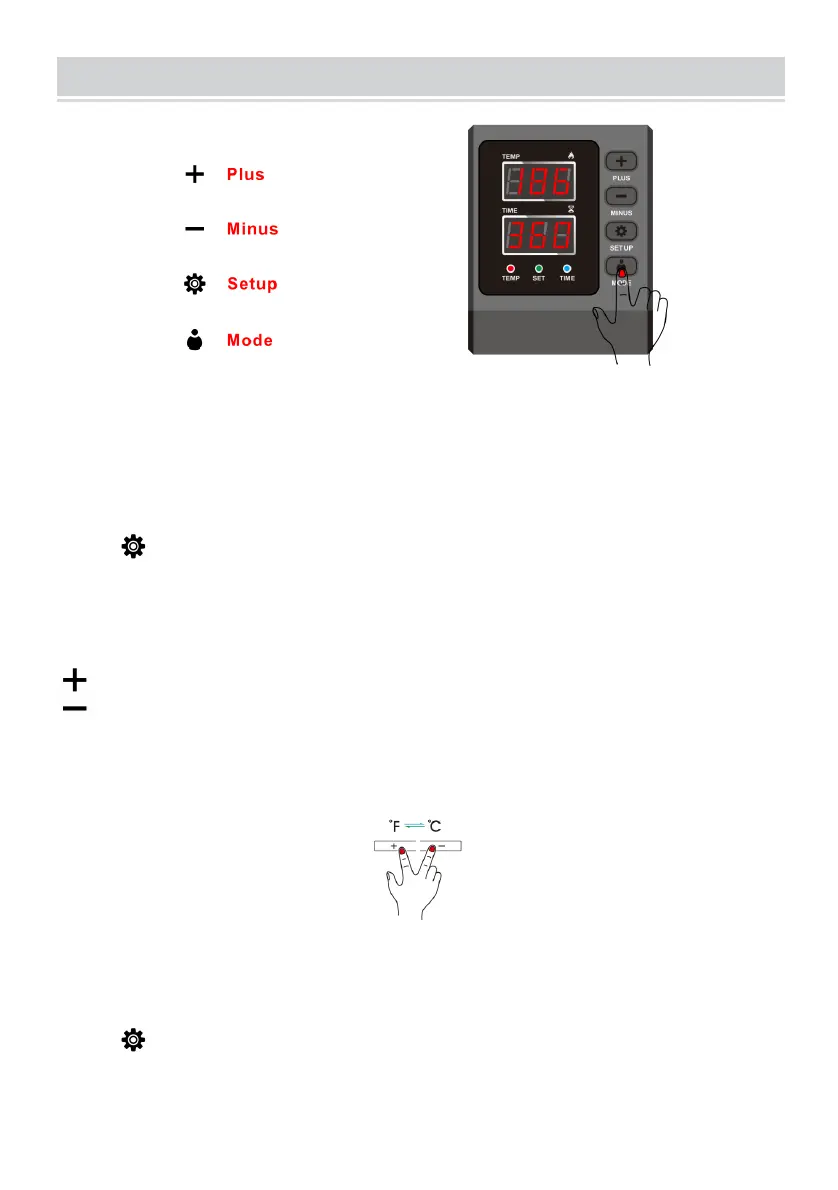
1 How to turn on/off and how to start?
Press the switch button on the side of the temperature control box to turn it
on.
Countdown start button, press once to start the countdown; press again to
reset.
2 How to set the temperature/time?
Press once to set the temperature, press twice to set the time and press
again to exit. (It will automatically exit the temperature/time setup state in
case of no operation within 5sec.).
3 How to set the temperature/time to increase or decrease?
Set the time/temperature increase
Set the time/temperature decrease
4 How to change the temperature unit from to ?
In the power-on state, press "+" and"_" at the same time to change the
temperature unit between and .
5. How to set auto shutdown time?
Press and hold for 5 sec.to set the auto shutdown time. (The factory default
is 60min and the range is from 10min to 120min)
6. How to do temperature correction?
Press and hold for 5 seconds to enter the temperature correction setting
(Range +30°C, initial value is 0)
7. How to turn on/off the beep sound?
In the shutdown state, press "_" to turn off the sound and OFF is shown;


 To Next Page