Press again to turn on the sound and ON is shown.
8. Tips: The max. set temperature of this machine is 210°C and the
longest time is 999sec.
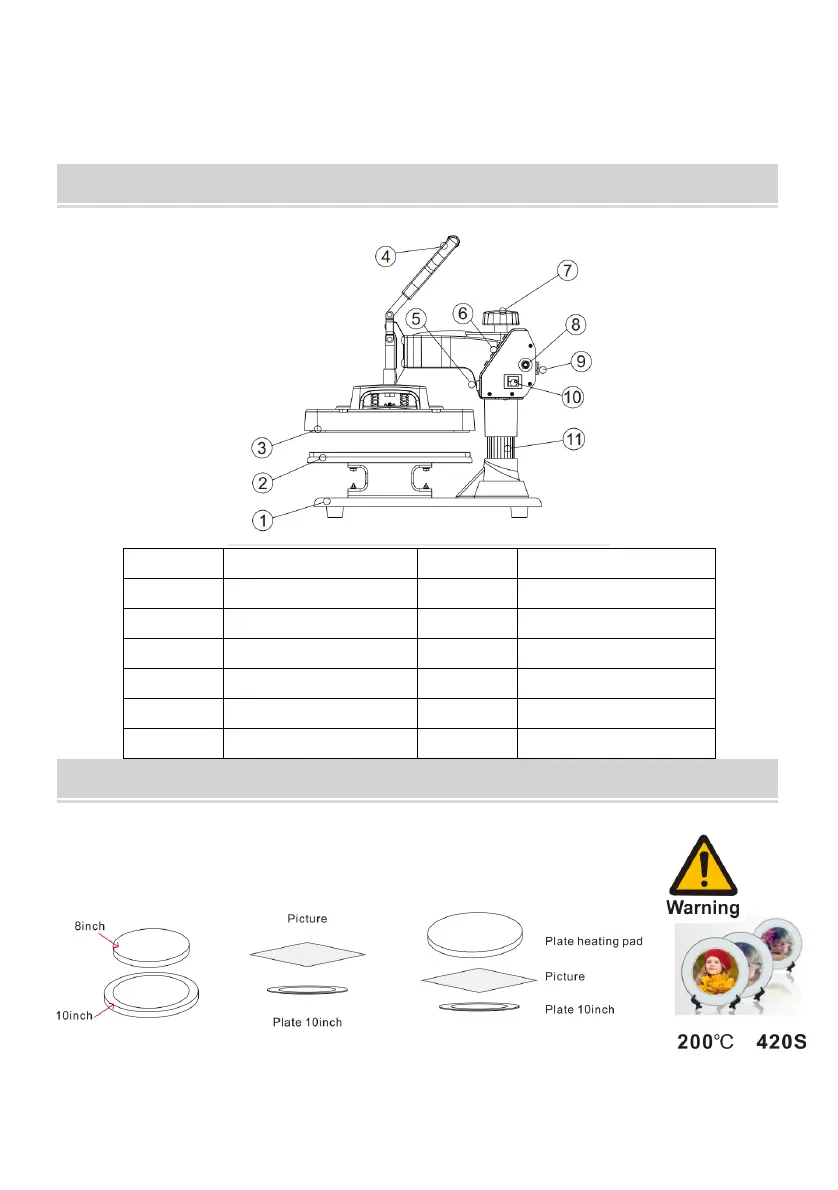
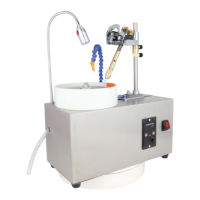
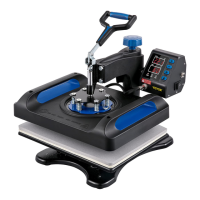
Number Part name Number Part name
1 Pedestal 7 Lift knob
2 Placement 8 Overload protector
3 Heating plate 9 Power socket
4 Handle 10 Power switch
5 Aviation connector 11 Column
6 Button 12
ATTACHMENT INSTALLATION INSTRUCTIONS
Please perform all operations after the power is off.
Plate transfer process
1. Select one side that matches the size of the plate to be sleeved with a
silica gel pad, and remove the silica gel pad on the other side. Keep the
side without the silica gel pad facing upwards and heat it on the machine


 To Next Page