1111
1111
11
In the software utility, double click “AC97 Audio configuration” icon from
the window taskbar on the right bottom.
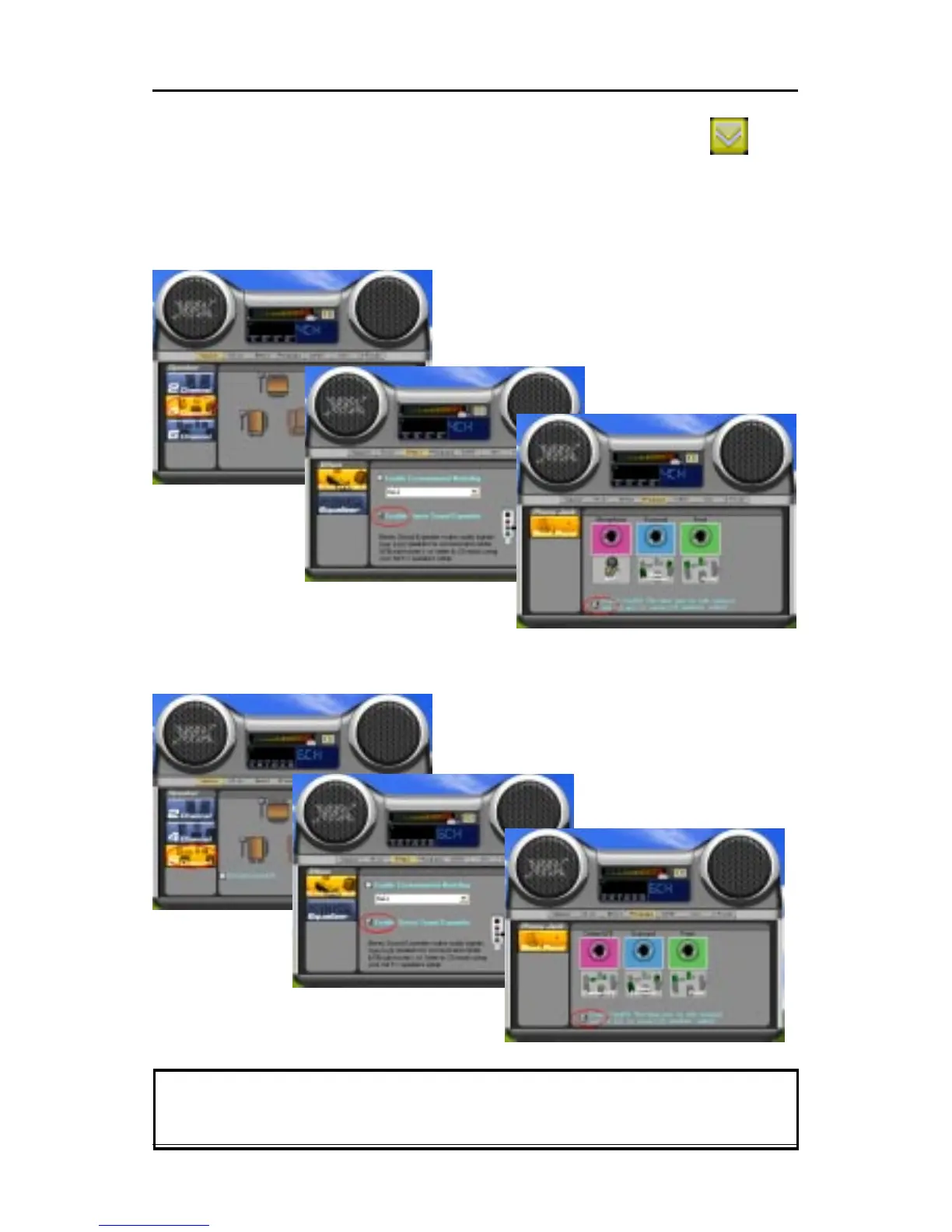
Then the “AC97 Audio Configuration” box will appear. Click on the Speaker
Configuration tab to select the audio mode.
A. When you choose 4-channel mode for 4 speaker output, the selected item
is shown below.
B. When you choose 6-channel mode for 5.1 speaker output, the selected
item is shown below.
Note:Note:
Note:Note:
Note:
When you find the center and Subwoofer exchanged, please select the
item of Exchange/LFE.














 To Next Page