4343
4343
43
DRIVER AND RAID SOFTWDRIVER AND RAID SOFTW
DRIVER AND RAID SOFTWDRIVER AND RAID SOFTW
DRIVER AND RAID SOFTW
ARE INSTARE INST
ARE INSTARE INST
ARE INST
ALLAALLA
ALLAALLA
ALLA
TIONTION
TIONTION
TION
Microsoft Windows Driver Installation
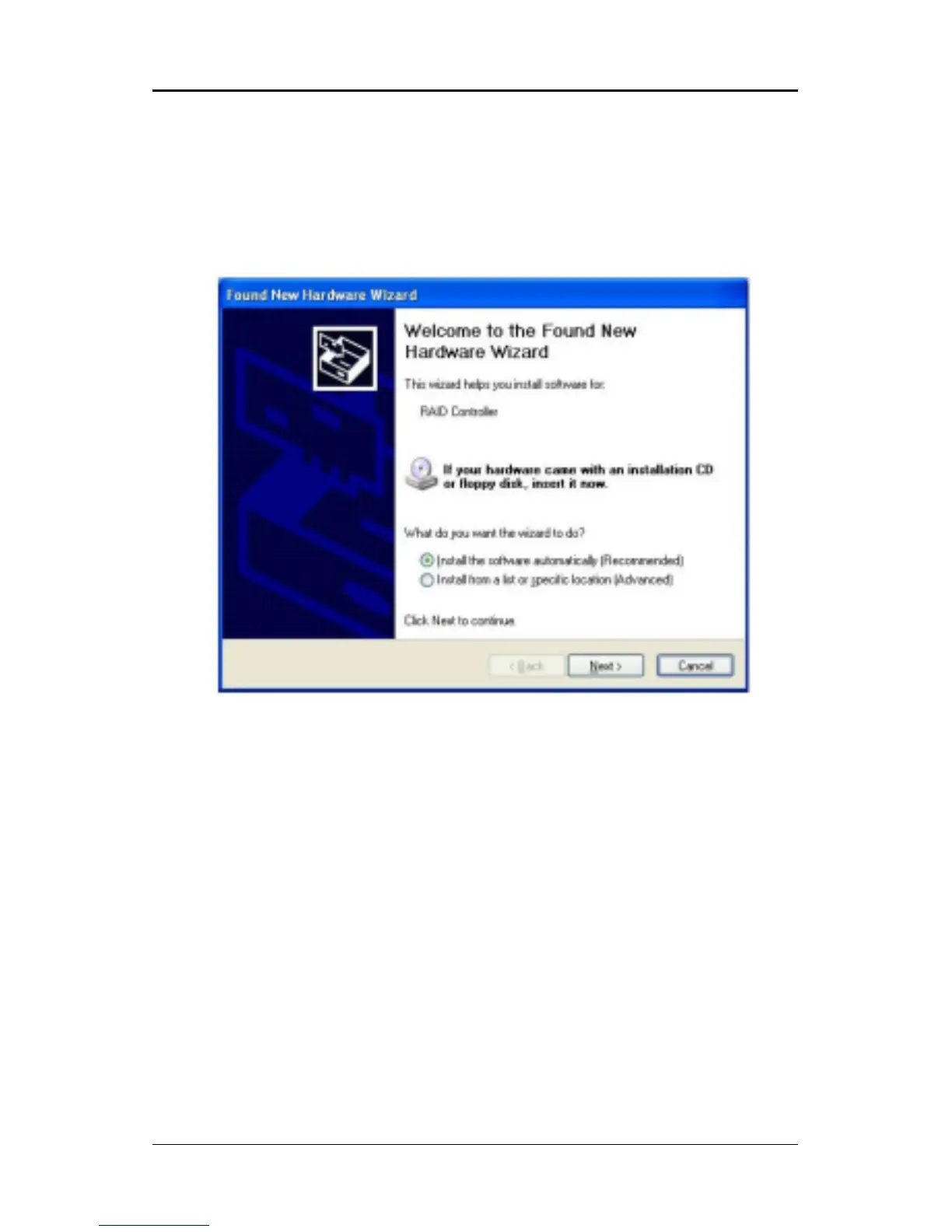
1. After Windows has finished booting up, the system will automatically
find the newly installed adapter and prompt the Found New Hardware
Wizard window. Click Cancel to skip it.
2. Insert the bundled driver CD DISC into your CD-ROM drive, select “Serial
ATA RAID Driver”installation bar on the dialogue Window to begin the driver
and software installation.














 To Next Page