1616
1616
16
Technical Reference Booklet
Serial ASerial A
Serial ASerial A
Serial A
TT
TT
T
A Hard Disk Devices PA Hard Disk Devices P
A Hard Disk Devices PA Hard Disk Devices P
A Hard Disk Devices P
ower Cable (optional)ower Cable (optional)
ower Cable (optional)ower Cable (optional)
ower Cable (optional)
Serial ASerial A
Serial ASerial A
Serial A
TT
TT
T
A Cable (optional)A Cable (optional)
A Cable (optional)A Cable (optional)
A Cable (optional)
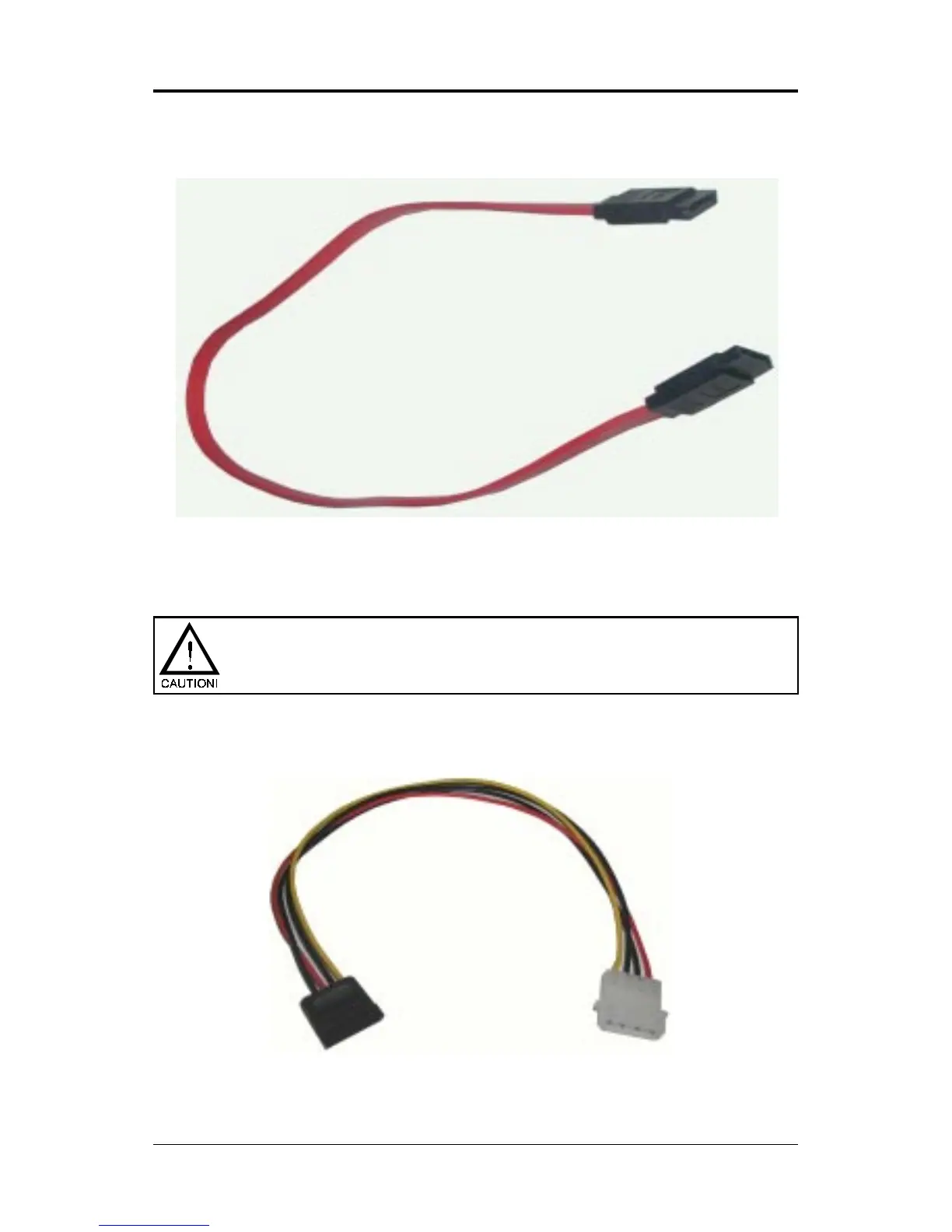
Connect one end of the SATA cable to the mainboard, and connect the other
end to the SATA Hard Disk.
Please do not fold the serial ATA cable at a 90-degree angle as this
will cause a loss of data during the transmission.














 To Next Page