Falcon Service Manual
___________________________________
28
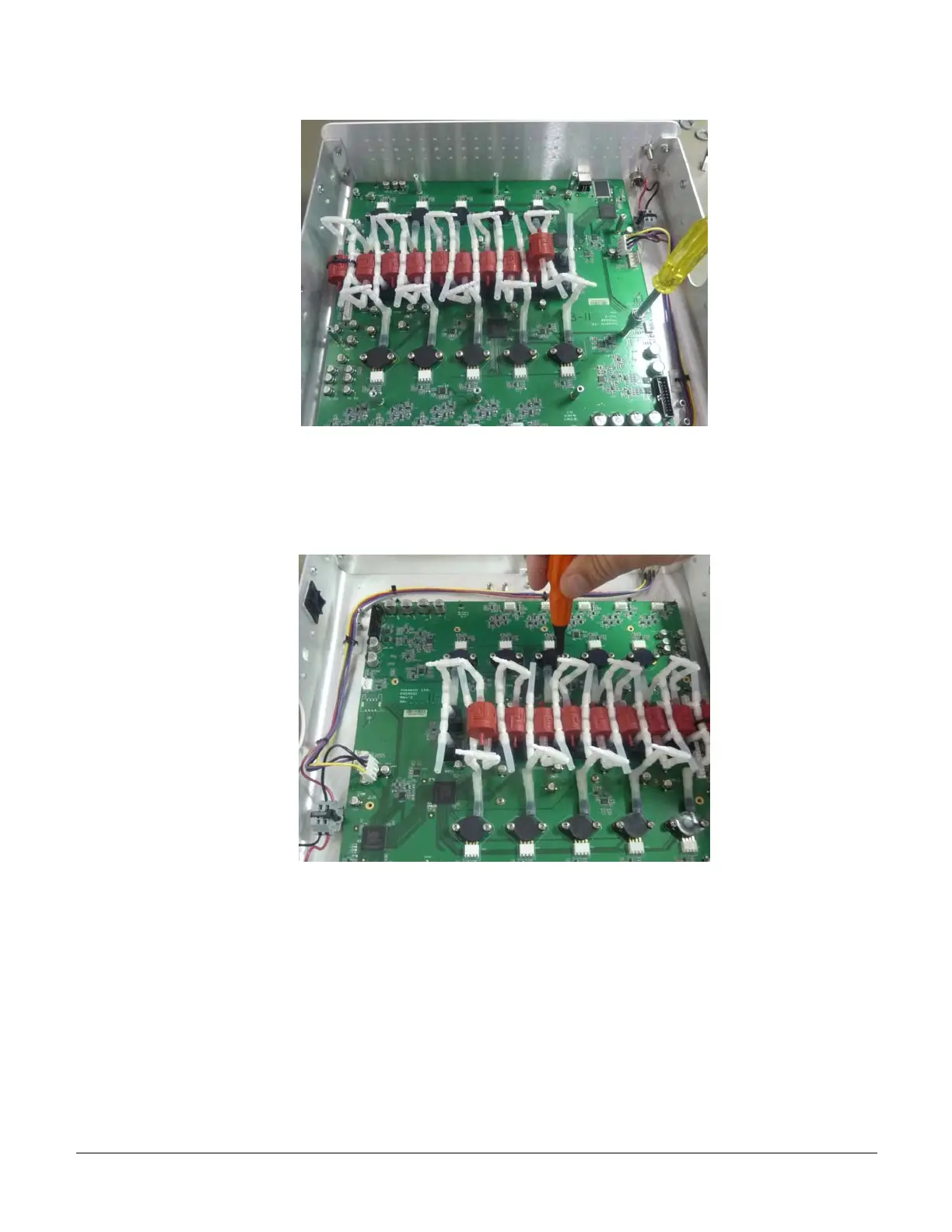
b) There are 4 screws that hold the Falcon board to the bottom Falcon casing. Release these 4
screws with a standard Philips screw driver as shown below. Note that each pressure sensor is
connected to the Falcon board with 2 screws. Make sure that you do not mistake the sensor
screws with the 4 Falcon board screws.
c) Carefully tilt the board up slightly and pull it back a little. Remove the board by tilting it
upwards as shown below.
VS0152, rev 1.3 Page


 To Next Page